Lenovo stays black?
Hello,
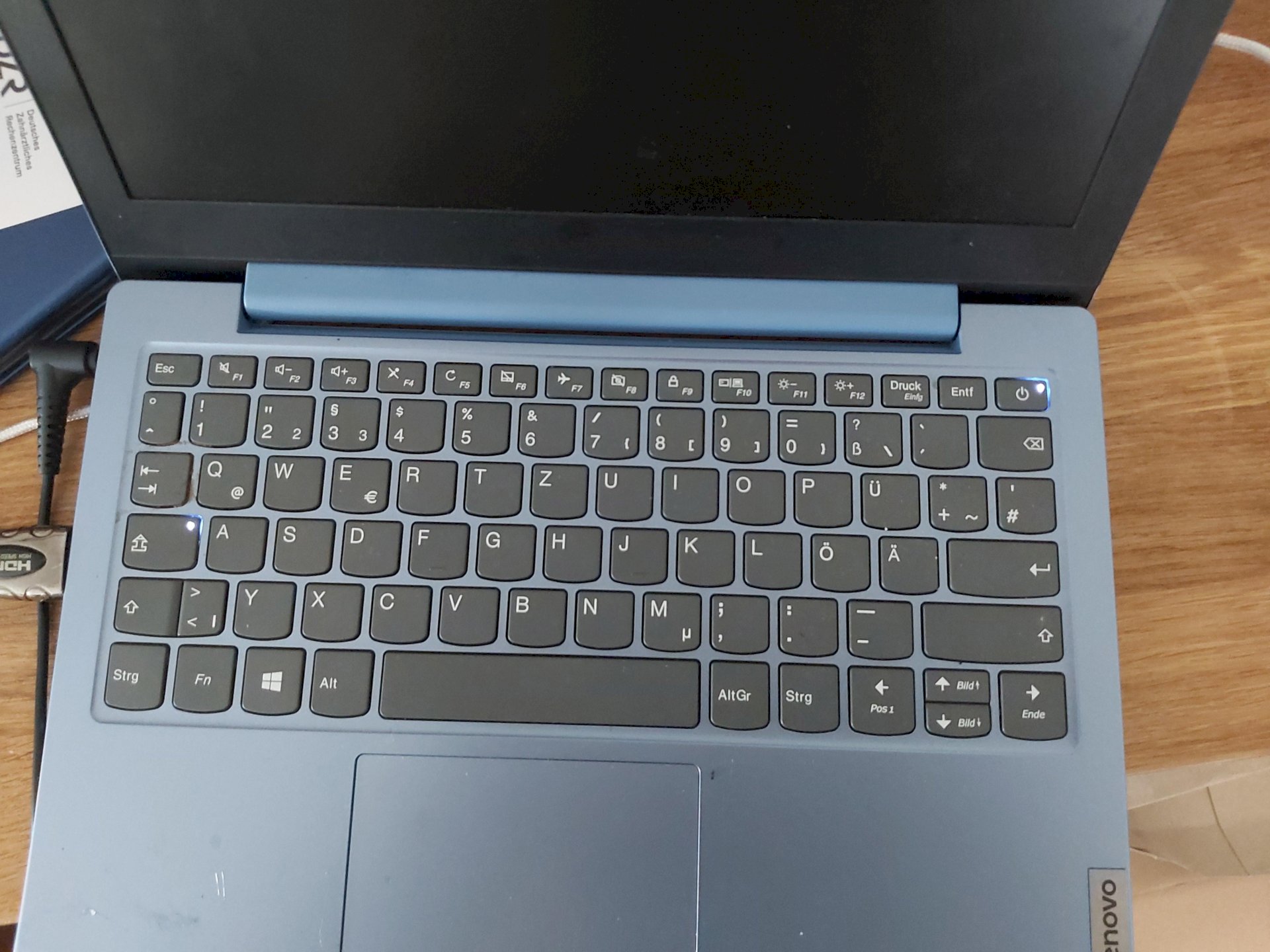
We bought a small Lenovo laptop just 5 months ago for homeschooling. It worked perfectly. It was not used for 2 weeks because of vacation. Now we wanted to turn it on. The on / off button lights up as well as the shift key. But the screen is black. It also doesn't make any noise like starting up. I connected it to my PC with HDMi. My PC doesn't recognize a second monitor, which is certainly clear if it doesn't start up. The laptop is connected to the mains plug and it also lights up. When I pull or plug in the plug, it also beeps, that wasn't the case before. Can I, as a layperson, check something myself?
If the laptop has now been lying in a corner for several weeks without being used or charged, it can happen that it discharges deeply, then in case of doubt you just have to leave it on the charger for a day or so and wait a while until you switch it on again.
A laptop can't be used as a monitor, if you connect the laptop to your PC via HDMI, this can't work because both connections are only HDMI outputs and no HDMI input. If then you would have to connect the laptop to your TV or PC monitor, which will probably not help with the first point (deep discharge).
In the worst case, it can also be that your device is defective, it can always happen, then you have to take it to the manufacturer / seller and have it checked for warranty, but the problem is that the laptop is gone for several weeks. I've had the problem so far, both privately and at work. Privately I bought a laptop and after a week of use I was able to send it in because, according to the manufacturer, the mainboard was defective. I had the same problem at work, but only after about 9 months of use.
Ah ok, the deep discharge sounds plausible. Then I'll just wait a few hours.
Go to the dealer and claim the guarantee.
Apart from that, a laptop can't be used as a second monitor. Unplug the cable from the left.
So unfortunately that didn't work
Before switching on, remove all cables and USB sticks except for the power cord. Check the power cord to ensure that it is securely plugged into the charger.
Possibly remove the battery of the laptop and reinsert it. The battery may not be making good contact with the device
Did you buy that new? So if so, it is a guarantee case and off you go to the dealer for an exchange or repair.
Does the PC or laptop even have an HDMI input? Otherwise there's no point in connecting to the PC. Connecting a laptop to the TV or a monitor makes more sense. Try booting the laptop via a USB boot stick.


