Kali Linux installation error?
When I try to install kali linux on my laptop, strange characters appear on the first boot and they don't go away. It stays with the picture. However, they disappear when I press a key on my keyboard.
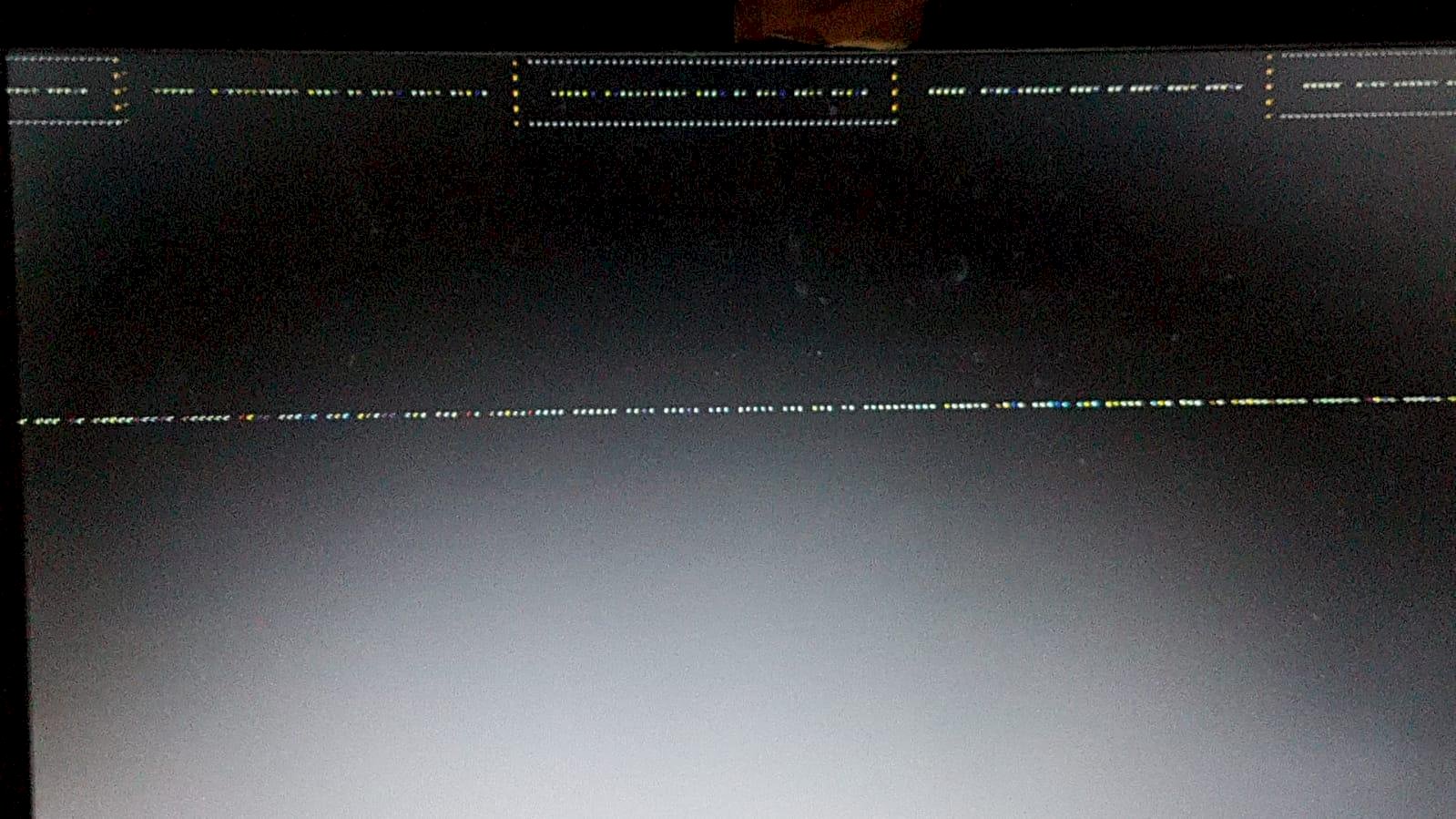
Try to set the correct graphics mode:
http://www.linuxandubuntu.com/home/kali-linux-stuck-at-black-screen-on-boot
Thanks for your answer but i don't understand the instructions so well.
And then do you really want to play with Kali? Not a good idea…
1) Select the point Kali in the pit menu and "Edit"
2) Find the line with "linux… Quiet splash" and add your graphics card accordingly:
e.g.
nvidia.modeset = 0
radeon.modeset = 0
3) Exit with Ctrl-X and boot…
4) Download and install the correct proprietary graphics driver under Kali
I just want to put on beef.
How do I enter the "grub" menu?
Should, if you have installed it (is a bootloader), come before an OS is booted.
A black screen showing the system to be started, usually only visible for 10 seconds…


