Where do I set it to record the video sound?
Hello folks I downloaded OBS Studio today and wanted to ask where I would like it to record the audio from the laptop, but not my voice.
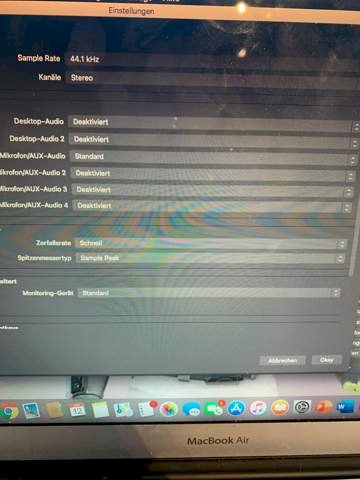
Turn on desktop audio (both) and turn off all microphones (disable)
I can't activate it
I think you need a virtual sound channel for this. Have to search on youtube.
shows how to do it
https://www.chip.de/...10688.html
software is what you need, then you can separate everything nicely and only record what you want in the stream etc.
You have to press the box behind it and then choose activate.
Thank you. I actually just want to take a screenshot of a series so that I don't have to use a Wi-Fi to watch it.
The point is the same with Virtual Audio Cable a second interface and your voice stuff. Then you can record your "desktop (windows) sound" with someone else's program or stop the audio output from the video


