WLAN does not work on laptop (Win 10)?
Usually there's Wlan or something but now you can only press on flight mode and the other icons have disappeared.
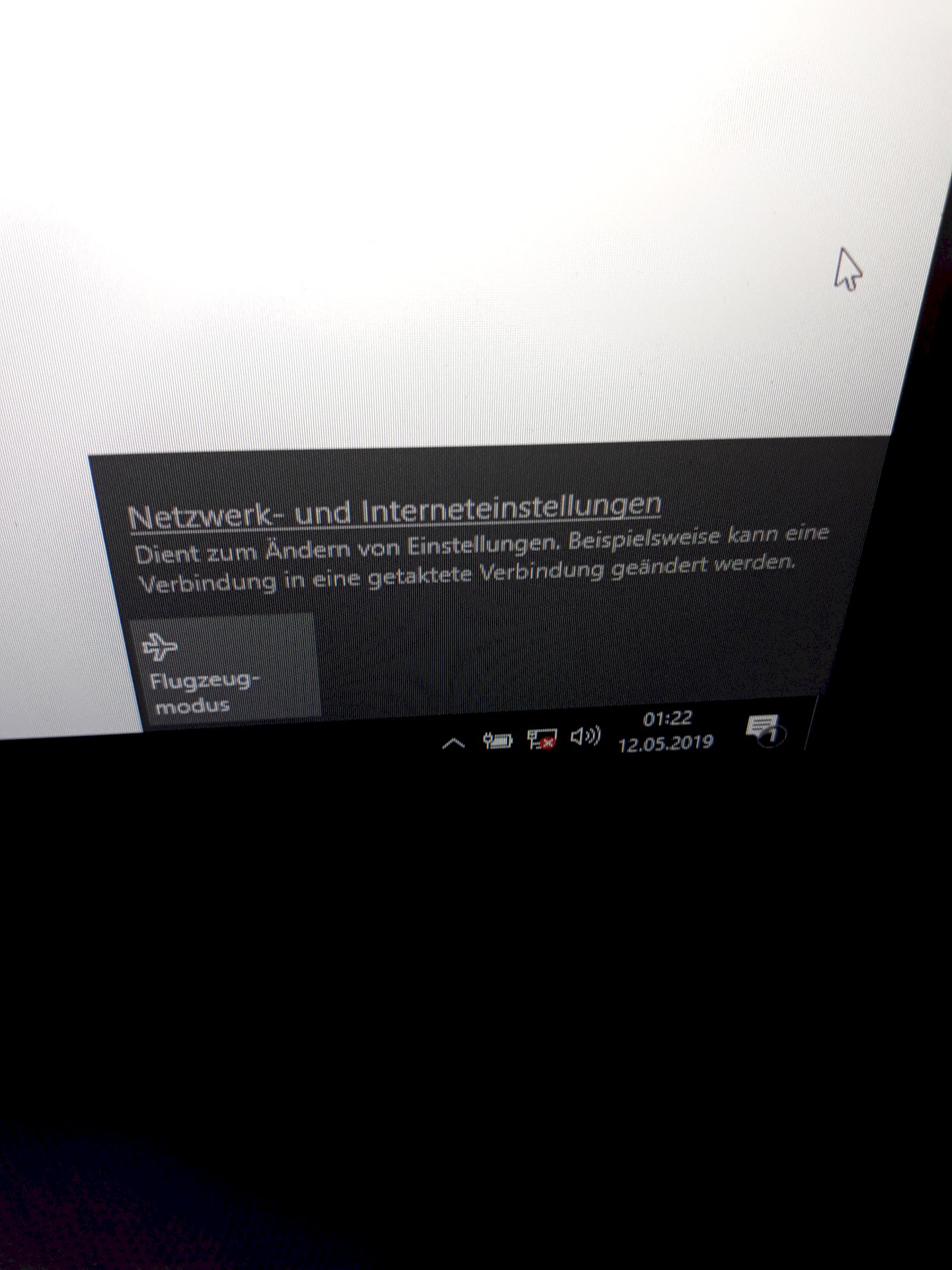
The same problem I had with my laptop.
For me the W-Lan adapter (the built-in) was defective.
I bought then at Mediamarkt for 14.- Euro nen new (USB), since then it works again very well.
Right-click on the Internet icon (the small screen) in the taskbar and then click Network and Sharing Center. Then click on adapter options and see if any of the screens does not turn blue. If one does not light up in blue, then right-click on it and press activate. If that does not help, look for a button on your laptop called "FN". Should be next to the Windows key, so lower left. If so, hold this key and press one of the F1-12 keys. On one would have to be a Wi-Fi symbol. If not, look for other buttons on your laptop that you do not know or have never used. If all of this does not help, you might want to use a W-Lan adapter. They are available on the Internet or at your electronics retailer of trust.
Windows updates like to remove / replace the drivers for built-in hardware with the result that they are no longer recognized or no longer work properly.
Look in the Control Panel in Device Manager if your "wireless LAN adapter" is still available (possibly with yellow call sign). If available, you should update the drivers. Restart the laptop.
Follow this guide:
https://support.microsoft.com/...ion-issues
PS:
Check also under administration / services, whether the service Wireless connectivity runs. Sometimes it does not start after updates (google afterwards).


