Print out A5 format?
I wrote something in A5 format on the laptop and wanted to print it out exactly like that, but now it pulls everything that fits on an A4 page, even if there are actually 3 A5 pages on the pc. What can I do that this doesn't happen? In the best case on the mobile phone because my pc has been unable to connect to the printer for ages
You have to select the paper size A5 in the printer menu. Then insert paper that has been cut accordingly.
Or you can make a table with 2 columns on an A-4 page.
Which printer?
But there's the option "fit to page" in the print settings, if A4 is set here, he does it in A4.
Think you can set it in the print or printer settings.
To help you further, one would need to know the printer.
HP Officejet 4630 series
Described again here:
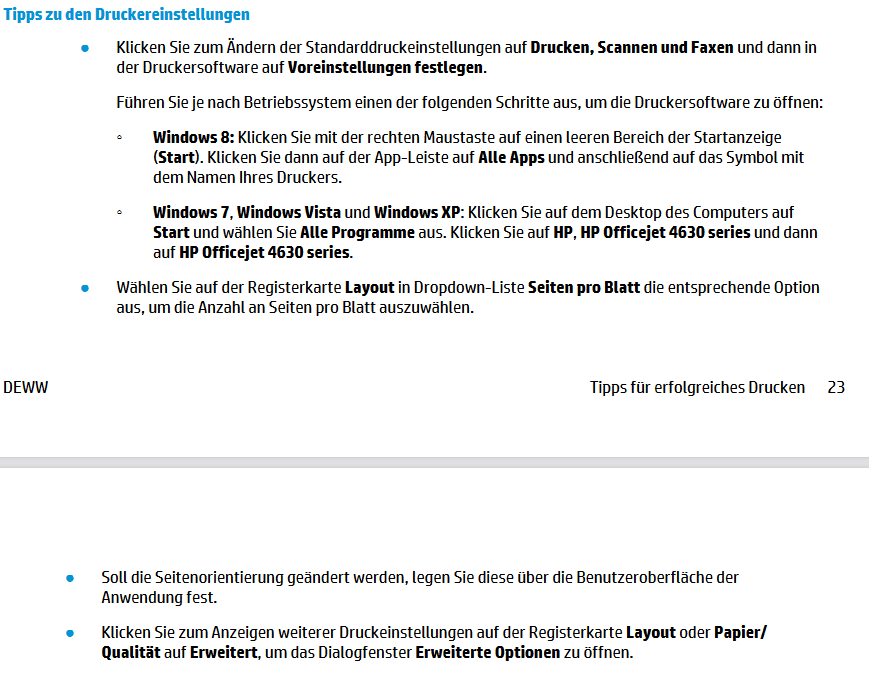
You should be able to make your settings here.
The link to the manual:
https://support.hp.com/...49/manuals
There's a mobile phone app from HP.
I only figured it out now - A5 is folded A4 horizontally, so if you rotate your A5 document by 90 degrees, 2 pages should fit on an A4 sheet.


