Laptop connected to Smart TV via HDMI: How do you get the sound through the TV speaker?
At the moment, the sound is output via the weak laptop speaker, the image is shared on laptop and TV. Windows 7.
That works in the sound settings or with an aux cable ^^
Right-click on the speaker at the bottom right, open the sound settings and select the TV under Output device.
With the "Win key" + "P" you can select the display options. So TV alone, duplicated or expanded picture.
Very bad idea: now the picture is completely away from the TV and the laptop always flashes with alternating black then picture… If I hadn't canceled it, you can't even write anything here
What did you do
Do you use an HDMI cable or a VGA cable?
An HDMI cable looks like this:
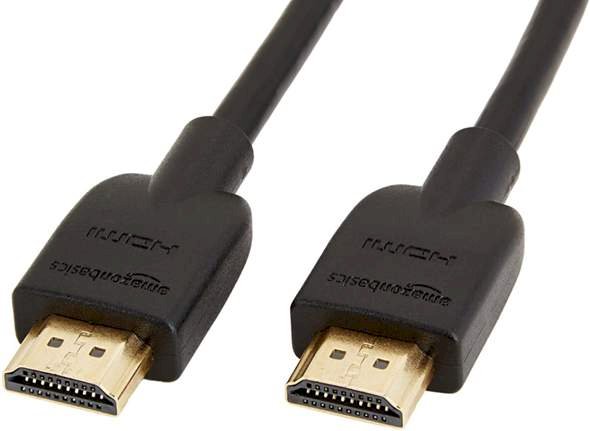
Have now removed the HDMI cable again. Now the laptop is quiet again. As soon as I put it on he starts to "spin"
No is mixed: one side HDMI other side display port
Ok, now I have chosen to expand manually instead of duplicate --- now I can do it again. However, no picture on the TV. Before the projector settings there was still a picture, but no sound


