What is a mini display port on the laptop and what do i need it for?
What is a mini display port on the laptop and what do i need it for?
A
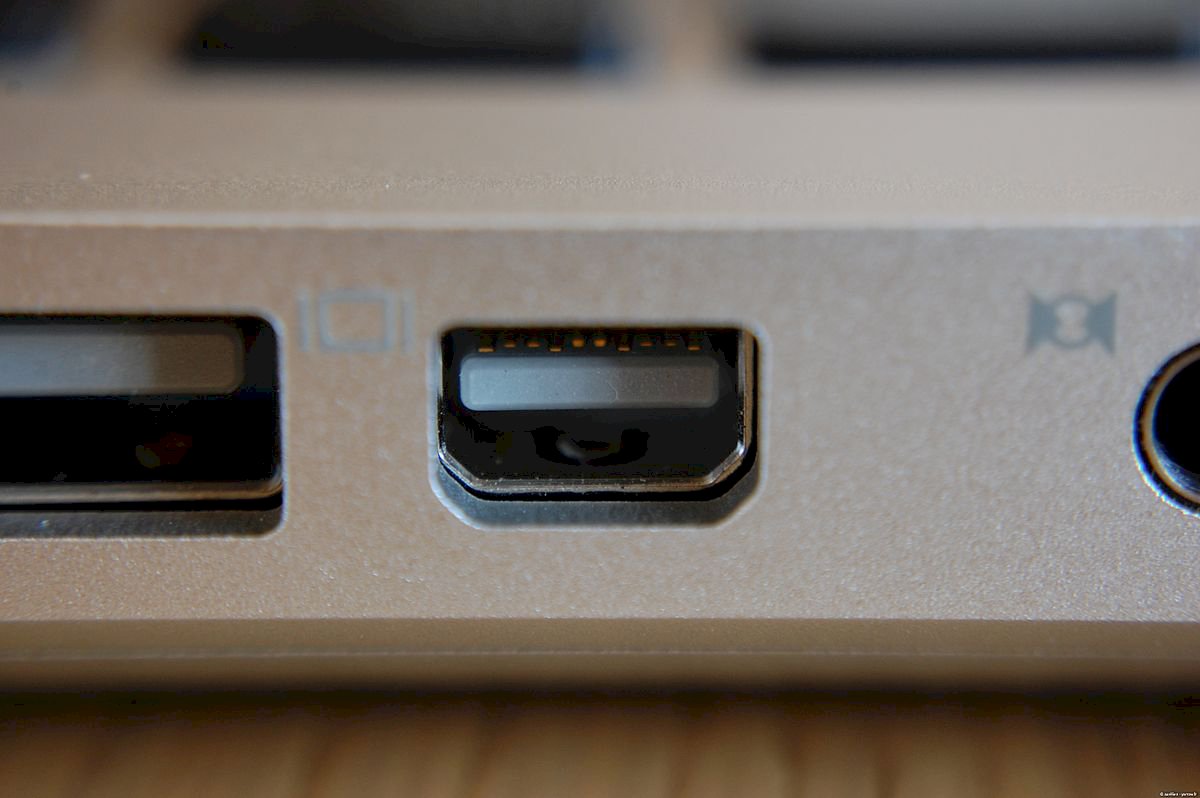
https://en.wikipedia.org/...isplayPort is the smaller version of the https://de.wikipedia.org/...isplayPort. It is a connector for a monitor / screen, similar to e.g. HDMI.
About this connection you can, as I said, connect a monitor to the laptop for example. Expand your desktop or display the identical image of your regular monitor. You can also connect a projector via this port to project the image on a wall.
So it's like an HDMI cable?
It is a connection (socket) and no cable, although of course there are appropriate cables.
You plug an HDMI cable into an HDMI port.
Plug a Mini DisplayPort cable into the Mini DisplayPort connector. This cable then usually has a standard DisplayPort connector on the other side.
There are also adapter cables from Mini DisplayPort to HDMI.
And where exactly is the difference between the two and when to use which best?
There are no big differences between DisplayPort and HDMI, but compared to VGA and DVI.
DisplayPort supports higher transmission frequency than HDMI at the same resolution.
At the maximum transfer rate, HDMI is slightly faster in the current versions.
Especially the higher transmission frequency with the same resolution and the support of multiple monitors moves many PC players but to give DisplayPort preference over HDMI.
NVIDIA's G-SYNC also requires a DisplayPort connection. In FreeSync, however, you can also use an HDMI connection.
My opinion:
If your monitor has a DisplayPort connection, it is best to connect it via the (mini) DisplayPort, if your monitor does not support DisplayPort but supports HDMI, then use this port.
But especially in the gaming sector, DisplayPort prevails over HDMI. Where in the TV area is the other way around.
Ok I now have a laptop he has once hdmi and a mini displayport and I would like to bring the picture now on a screen should I rather hdmi or dp now if I only live streams so on my bildschim want to see and not gamble on my extra screen want
What ports does your screen have?
Once hdmi dp and vga is the believe I'm definitely blue and hdmi is already occupied and vga I would not like to use because because the graphics are not so good so I have to dp on the screen take only now the question arises on the laptop hdmi or minidp and why
If you use DisplayPort on the screen then use it on your laptop (Mini DisplayPort).


