Why can't I permanently remove photos on my Macbook?
De
Dependent3
- in Macbook 1
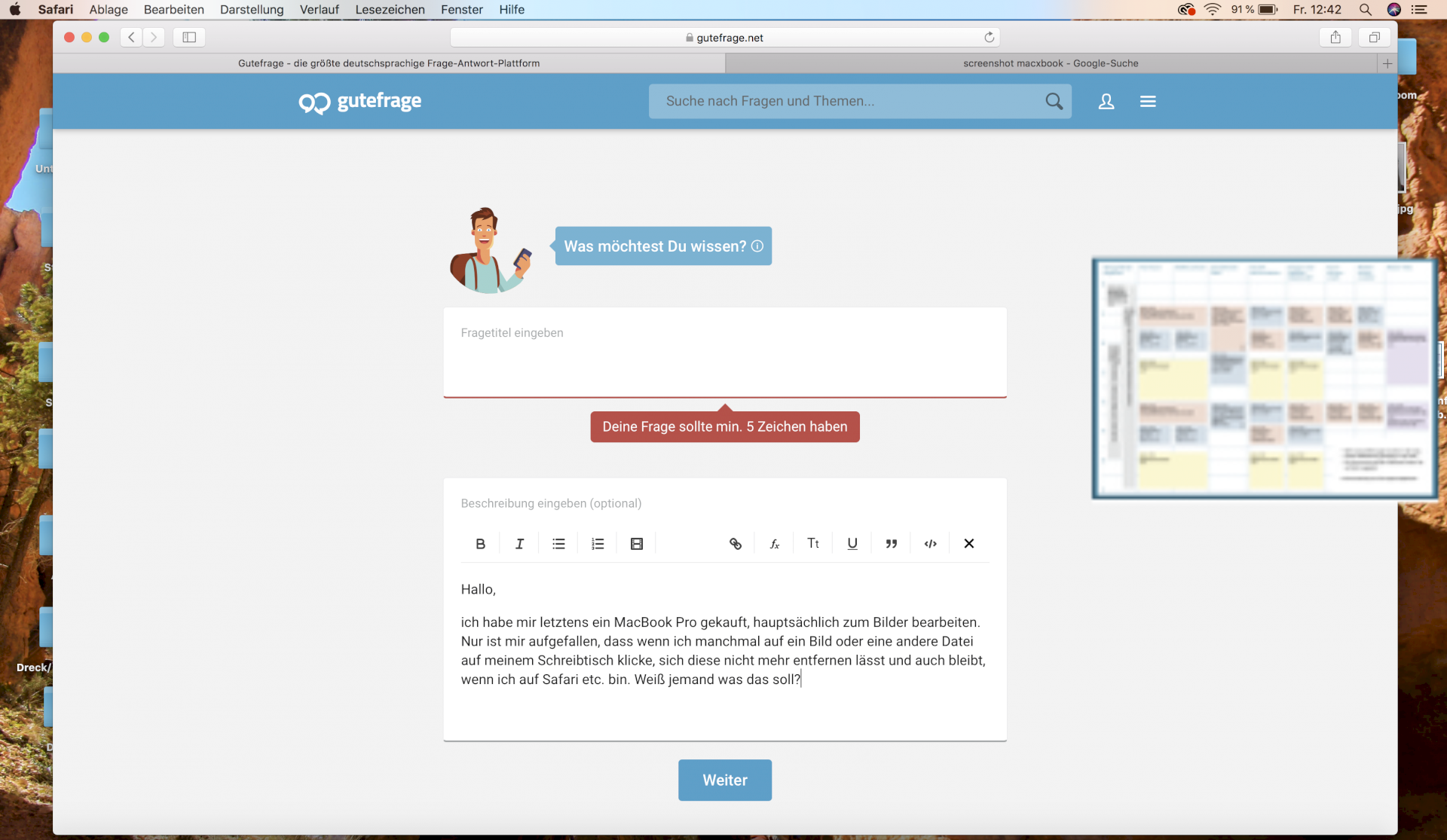
I recently bought a MacBook Pro. Only I noticed that if I sometimes click on a picture or another file on my desk, this opens normally, but this additionally appears again and can't be removed and remains even when I go on Safari etc. Go, I've never really worked with Apple before, maybe I just press a certain button.
Does anyone happen to have the same problem and know a trick on how to avoid such a thing? It's pretty annoying, especially with a brand new laptop. (See the picture to the right of the graphic, usually a graphic is displayed with me smaller and smaller, if this problem comes).
Fi
Fisherman926
Actually, it should help if you set in the image display program "hide" (right-click on the icon in the dock, where it appears in the context menu)


