I want to delete everything from my memory card?
What's the best way to do that
Is that also possible with a laptop or smartphone
Best of all using a notebook with a suitable program
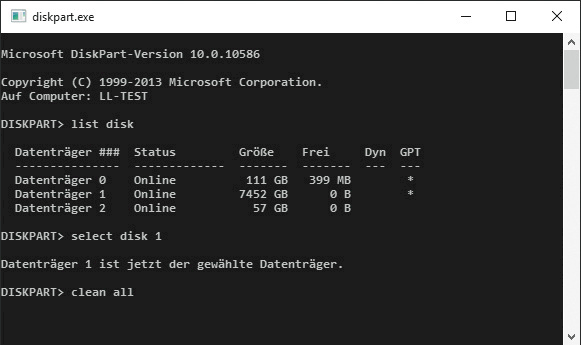
Windows file manager (explorer) go to drive letter, press right mouse button, format.
If you formatted the data is completely gone and you can't restore it or
Uh, yeah.
With quick formatting, you can imagine it like a book, the table of contents is quickly deleted. Blocks and parts of files (mostly just useless parts) could be restored.
Simply tick the "format" checkbox for quick format wake up.
If your PC writes a file to the hard drive and your hard drive is empty, it will write the file in one go. If your hard drive is very full, your PC writes the file in a large number of small blocks, which can hardly be reconstructed without an assignment table for the blocks.
Normal, when deleting, e.g. Recycle bin only releases the file (the storage location / space) for overwriting. If your hard drive is large and empty, remnants or the entire file could be there for a very long time, recoverable.
There are programs that overwrite the empty space with o and 1s. Overwrite 1 time or 3 times.
For me, "quick format" is enough.


