Camera not found laptop?
2 hours ago everything worked.
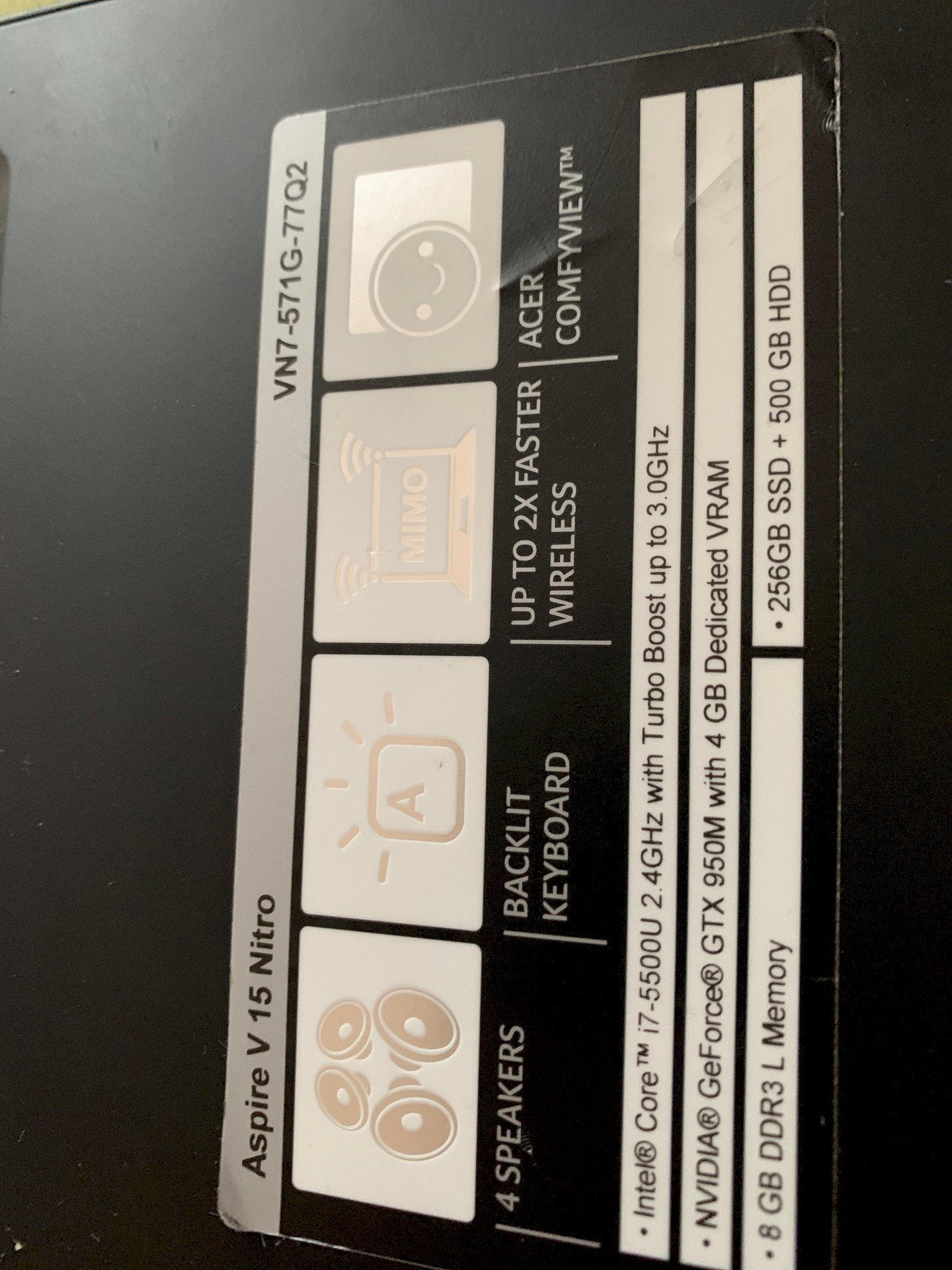
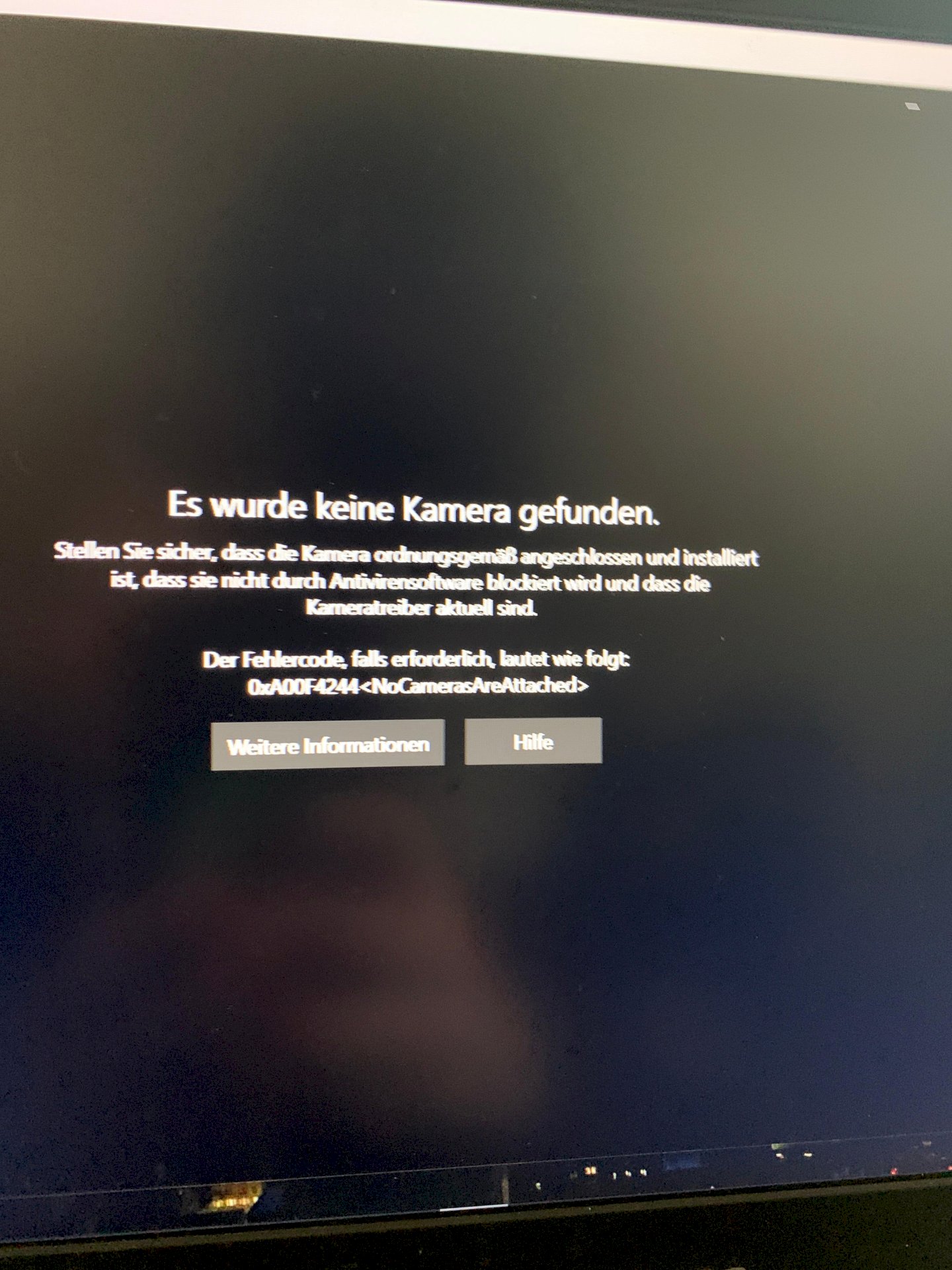
Restart time, check for current drivers.
Is everything
Hmm, go to "Show" in Device Manager and select "Hidden", then deactivated ones should also be shown, keep an eye out for the webcam.
With many notebooks you can deactivate the camera with a key combination. It may be completely deactivated by the system and no longer appears in Windows… So let's look at the keyboard to see if there's a symbol on the F # keys that either directly or in conjunction with Fn + F # keys the camera de - / activated…
Your information is very scarce and the two pictures *, well.
Under Win10 you seem to be trying to open the integrated laptop webcam with the "Camera" app.
This does not work because, for security reasons, the apps that are supposed to access the webcam or may have to be activated beforehand in "Settings"> Data protection> Camera ".
See picture example:
This also applies to the microphone. - See picture example:
*) Screenshots are very easy to create under Win10:
Press Windows Key + Print. - Finished.
You can find the screenshot under "Images" in the "Screenshots" subfolder.
There are no F # keys where a camera or similar is shown
In the device manager, I have neither show nor hidden.
Sorry, said view and then show hidden devices.
Have found it. But now it says "This hardware device is currently not connected to the computer. (Code 45)"
I thought the driver was causing the problem. Try to update the driver via the device manager and restart the device.
If it doesn't work, download the driver from here:
https://www.driverscape.com/manufacturers/acer/laptops-desktops/aspire-v-15/234073
What if I downloaded it? 😅
To install?
Mine after the scan.
What kind of scan?


