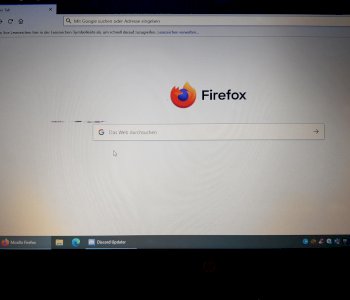
I can no longer access the "http://www.finanznachrichten.de" page with my notebook and a blank page appears with the note top left "Error"!
Why is that? Otherwise all other pages will work normally. Who can help me?
Try it with another browser (Chrome, Firefox or Internet Explorer), so you can test whether it is on the page or on the browser.
OK.
Very good. Does it help to reinstall the affected browser or do you immediately switch to another?
Delete your cookies in the browser setting.
How does it work?
I do not know your browser.
Usually in the settings of the browser.
Go to Google Search and enter:
Delete cookies "Firefox" z.b
Have OPERA.
Well then:
Go to Google Search and enter:
Delete cookies Opera
Thank you. Worked. Sometimes I do it hard!
All good.
Have fun.