Laptop no longer receives Wi-Fi - What to do?
My laptop worked as usual, but at some point I could no longer activate Wi-Fi (see picture). What can I do there? I'd better fix it myself instead of sending it to repair.
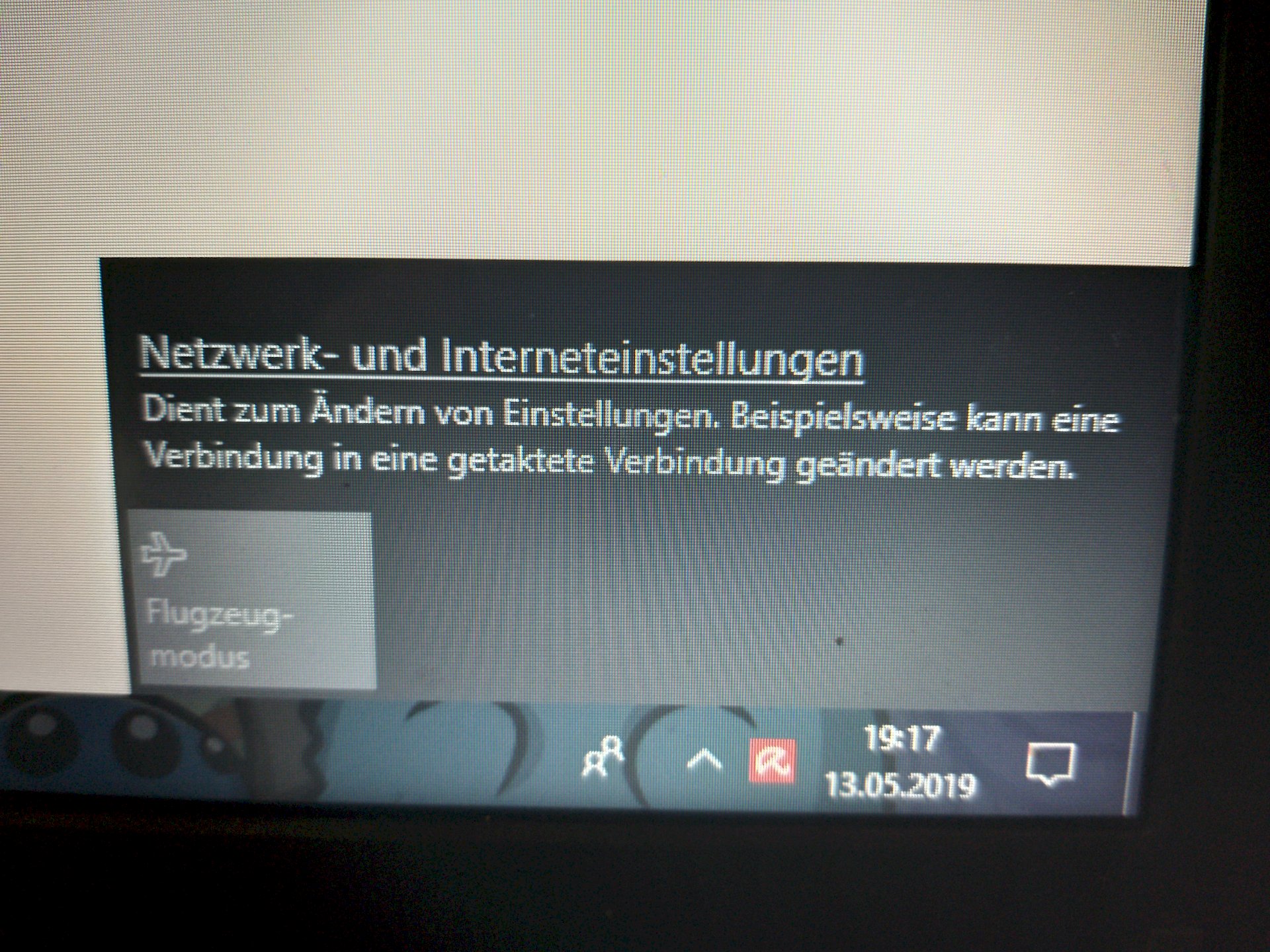
Does the laptop perhaps have a switch with which the WLAN is deactivated? Can also be a keyboard shortcut.
Some laptops have a network switch. If on a key of the laptop keyboard is a Wi-Fi / Internet symbol you can press this together with the Fn-key to switch the Wlan on / off.
But does not necessarily have to hit your case
With the shortcut I could only enter the flight mode b.z.w. Turn off
The wireless switch button has simply disappeared. That's the problem
I meant a hardware switch. He can't disappear, at least not without violence.
OK thanks for the answer
And, does he?
Windows updates like to remove / replace the drivers for built-in hardware with the result that they are no longer recognized or no longer work properly.
Look in the Control Panel in Device Manager if your "wireless LAN adapter" is still available (possibly with yellow call sign). If available, you should update the drivers (check the manufacturer's website for the laptop, see if they offer the driver updates, then download and install them according to the manufacturer's instructions). Restart the laptop.
Follow this guide at Microsoft:
https://support.microsoft.com/...ion-issues
PS:
Possibly. Is even Avira (your virus protection program) blame, who likes to do stupid things during Windows updates and bothers the update.


