Laptop does not connect to Wi-Fi?
Can someone help me, the laptop does not connect to the WLAN.
What can you do there?
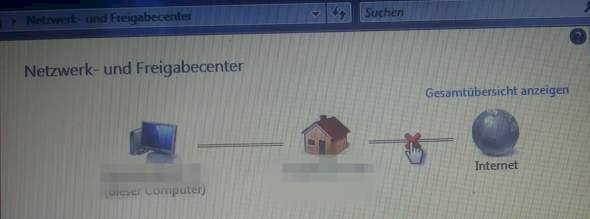
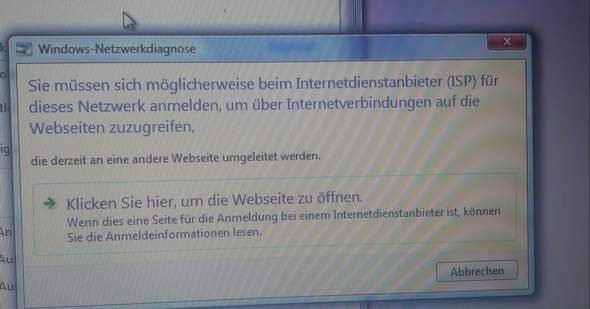
I also have windows 7, the window in the first picture means that your laptop is connected to the Wi-Fi but your Wi-Fi is not connected to the internet, i don't know what to do there. I always waited a little until it worked, if that happened more often I would contact the provider.
The connection to the Wi-Fi seems to be there.
Probably only the IP of the laptop does not fit. (If I assume that the router has a connection to the Internet) You either set it to automatic if the Wi-Fi router has activated a DHCP, or you assign an IP (including gateway, subnet mask and patron) to the network of the router fits.
Tip: the manual of the router used may be able to help you with this.
So the WLAN was newly registered, otherwise it always worked, but now it doesn't connect anymore, but thanks for your answer!
Okay, I'll try.
First try it out whether other devices can be connected to the internet via the router.
WLAN is just a network that is controlled by the router. This router also connects the Wi-Fi to the Internet. The PC / notebook can also be connected via cable (i.e. LAN)
In the router itself you can check whether and at what speed the router is connected to the Internet!
If there's no connection there - call the provider and have it clarified!


