Wi-Fi function not available on laptop?
My laptop doesn't have Wi-Fi. I don't see any Wi-Fi. I looked for the solution on yt, but none of it worked. I tried to restore it in regedit.exe but I didn't have a config file (
I tried it with the system configuration. The last thing I did was reset my laptop, but that didn't work either.
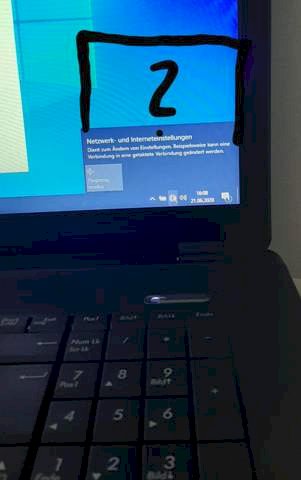
All of the available Wi-Fi should be displayed.

I only have ethernet
Did someone already have the problem and know the solution or does someone know about it?
The solution for this is to install wlan drivers. If your laptop is capable of it.
Some Lappys have a button on which you have to activate the Wi-Fi first. With mine it is at the bottom front edge. See if it's on yours at all.
Did you check in the device manager whether your WLAN card is activated? If not, activate it. Install the necessary drivers and if it does not work and the laptop used to have WLAN, then the WLAN card is probably defective.
If this should be defective, you can install a new one, install one yourself or buy a WLAN stick so that the WLAN works again.
I've already looked at it. There are only WAN Miniport's and just the Ethernet controller. I think the WLAN card is broken
I didn't but thank you anyway
So I have to join BlueMeth! You will definitely have a button (or at least a key combination) that will activate and deactivate your WLAN, Bluetooth, your sound card or the monitor.
These are often the blue function keys that have to be pressed at the same time.
So please check again:
Do you have a blue Fn button that you can combine with another blue Fn button for Wi-Fi? (The blue symbol does not have to be on the same key!)
If your laptop does not have this (very unlikely), it still has a setting in the BIOS that activates your WLAN.


