Microsoft Office 365 How does it work?
I bought a notebook a few days ago, I did not realize that Microsoft Office 365 was already loaded on it (or is that everywhere now?)
I would like to create a Word document, now the system tells me to sign in with my account, as soon as I enter my email and password the window will pop up immediately. "Try again! We have no Office products for found this account "
What does that mean, how do I have to go now and how can I finally create a Word document?
You have to buy this first in the Microsoft Store. Is not exactly the cheapest solution.
In order to use https://de.wikipedia.org/...Office_365 you must complete a subscription.
Alternatively, you can also buy an Office package from Microsoft, such as
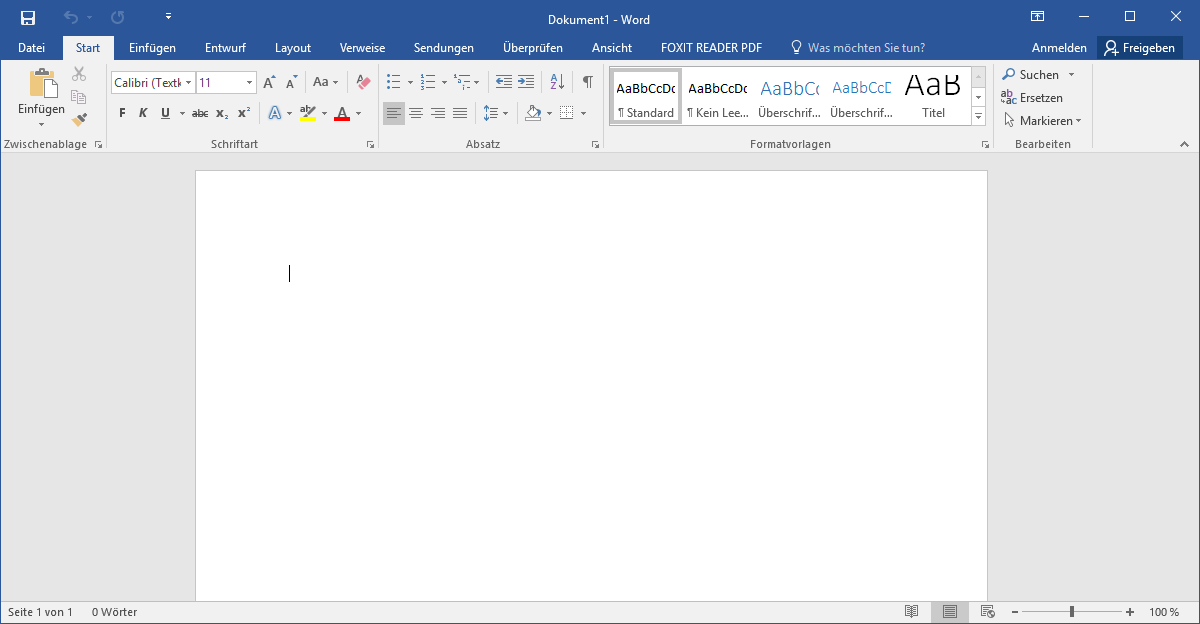
https://de.wikipedia.org/...ffice_2016 or https://de.wikipedia.org/...ffice_2019.
You can also install a free Office Verion, such as https://de.wikipedia.org/...ibreOffice.
Also Google offers a free of charge Office Verion (https://de.wikipedia.org/wiki/Google_Docs,_Sheets,_Slides_und_Forms), which runs however in the Browser.
And what else can I do about it? Can I somehow download another program? I do not want to pay that much money
Buy this
Okay thank you. But are not there any things that are free like others, without having to buy anything?
Yes, open office. But it is not compatible with everything. But would be a solution
https://www.openoffice.de/
Yesterday I tried, as soon as I want to open the box "Try again! We have not found Office products for this account"
I do not know. I can do that and I can download it. I just tried.
Oh well, but thanks for the help.
This was meant by that.
https://www.openoffice.org/de/
This is a free office software. Pretty much like MS Office. You have to deal with it a bit. There are a few differences.
and if you want to save documents you have to select from the list a MS Office compatible format.


