Wi-Fi can't be activated in Windows 10?
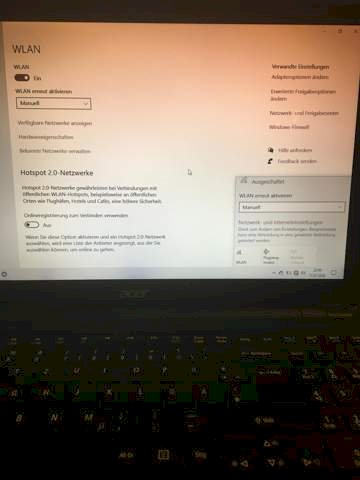
As it says above, I have a problem with Wi-Fi activation. The laptop is new and until recently all Wi-Fi networks were actually displayed… I don't know much about IT stuff so it would be really great if someone could explain it to me so that a noob as I understand it T_T…
ps: noticed that the Wi-Fi turns off as soon as I close the tab
If there's no WLAN connection. Is the Wi-Fi on your router on?
Have you ever tried "problem handling"
Try to turn the flight mode on and off, or turn it off…
Yep
Unfortunately nothing brings…
Have you recently imported a Windows update? Has the computer been restarted before?
OK, too bad…
I think it has been updated but I have already tried restarting
You could remove the network adapters in the device manager and then restart the computer. Because after the restart he should then automatically find the adapter again. The settings may have been changed (unintentionally) by the update. However, if you remove the adapters, it is important that you make sure that the check mark that defines whether the software should also be uninstalled must be removed.
Simply re-enter the WLAN key from scratch, Windows often has Alzheimer's.


