AID Please?
gl
gloriousDeficit
7
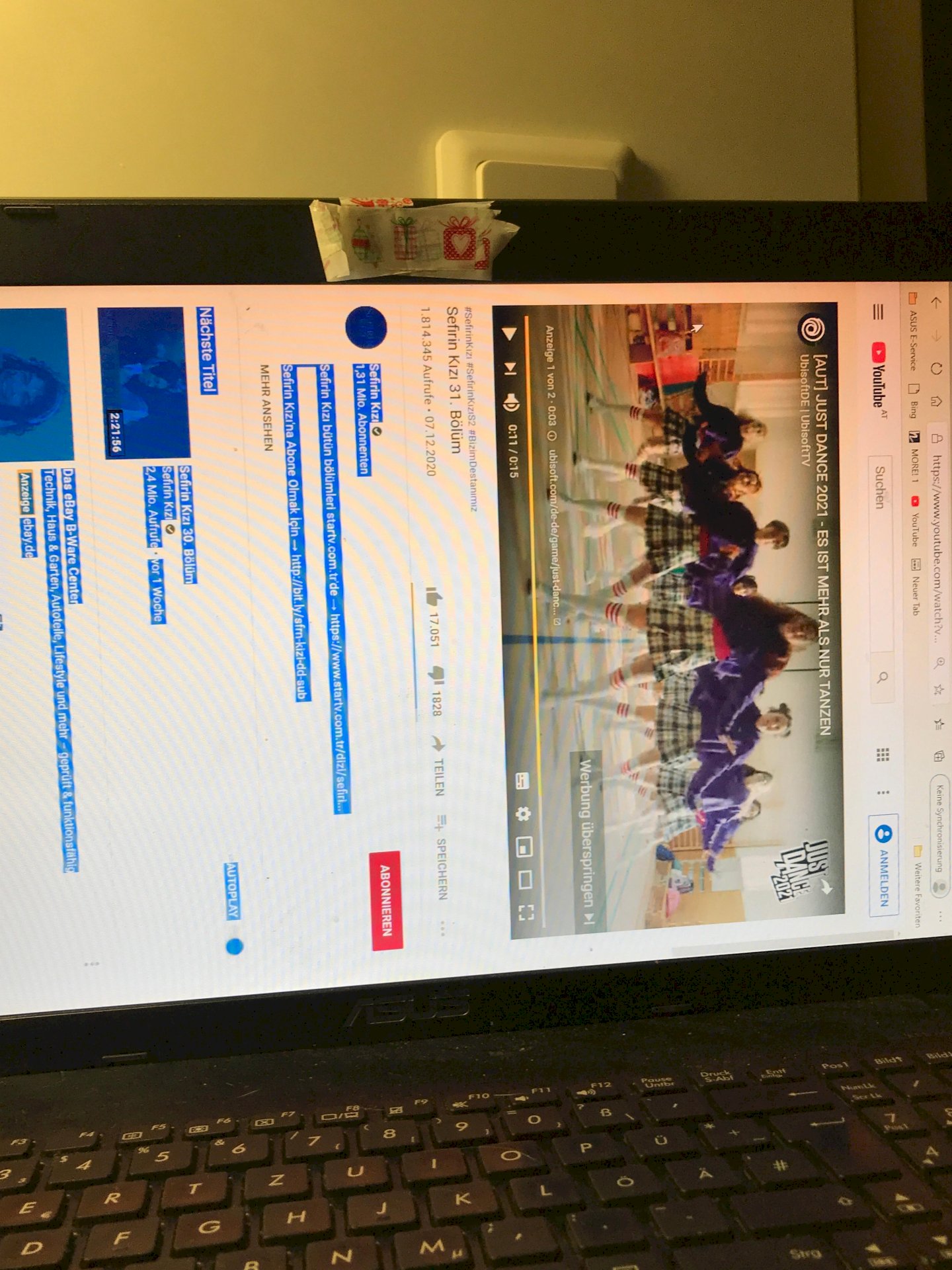
My cat sat briefly on my laptop while I was away and when I came back my laptop looked like this. How can I undo it? Googled but didn't quite understand how to do it. Please help!
En
Ensleywash
Ctrl / ctrl + alt and then cursor keys
ja
janiyahworthless
Go to settings> under display> there should be a function where you can rotate the picture: is called "screen orientation"
gl
gloriousDeficit
Thank you so much!
gl
gloriousDeficit
Thank you so much!
ja
janiyahworthless
With pleasure
Iv
Ivanicicle
Your cat turned on Britney Spears? Just close the tab?
You can rotate the laptop and use an external keyboard or switch off the rotation by 90 degrees in the settings, somewhere in the screen or display.
In addition, whenever you leave the computer:
Be quick, press Windows-L
gl
gloriousDeficit
I meant that she turned the screen haha but thank you, it was done😂


