FN button is engaged?
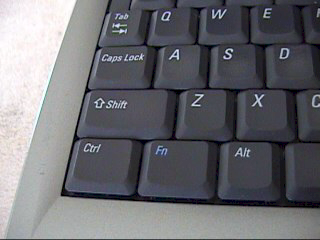
The FN key on my laptop keyboard is locked. How can I get them out thank you
Release the locked Fn key!
When the Fn key is locked, there are several ways to release it. On the one hand, this would be the combination of Ctrl + Shift + Num. For many other models, it is the combination of Fn + Num. Sometimes simply pressing Num is enough.
The FS thinks it's stuck! You doner
Mostly helps again, but press on it at a certain point. Or pull it out with your fingernail.
Are you too stupid to read, it is locked and my tip will solve it again!
It is not stuck. It is locked in place
You mean the FN-Lock is active?
(So not that the button is stuck)
It's always different, sometimes you have to press 2x Fn, sometimes Fn + Esc, sometimes just Fn to switch (in this case there's usually an option in the BIOS to switch the behavior)
Make up your mind


