Why are my Windows recordings (Windows key + g) with me so pixelated?
I just worked on a video and while watching I noticed that it is crazy.
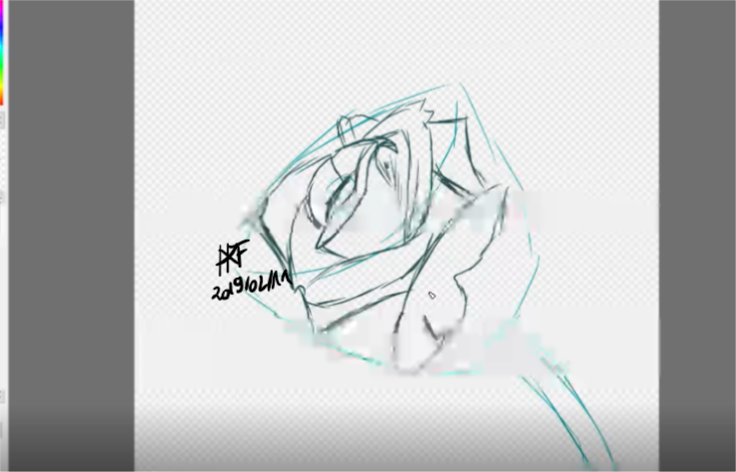
Is it because of my laptop (Acer Aspire E 15), because I have recorded it at FireAlpaca or generally at the Windows recording?
Do you have suggested solutions, alternative screen shots (infinite recording for free)?
The picture of a rose
Is a screenshot of the pixelated recording.
What is a "Windows recording"?
Windows key and G? O_O Try the "Print" button… Then it's in the clipboard and you can paste the screenshot with Ctrl + V in Paint and Co…
In Windows 10, if you press the Windows key together with g you record your game or screen
And what is it pixelated?
The problem is not the screenshot, this is a screenshot of a video, and that is pixelated all the time and I do not know why.
A couple of them are out of focus (pixelated)? I want to have it very sharp, so as I always see it on the screen, the shot is totally blurred
This is a simple recording of windows, because no one expects a sharp recording.hol you an extra recording program for something
Do you know a good, free, zeitunlimited recording program?
OBS


