Laptop does not start? - 6
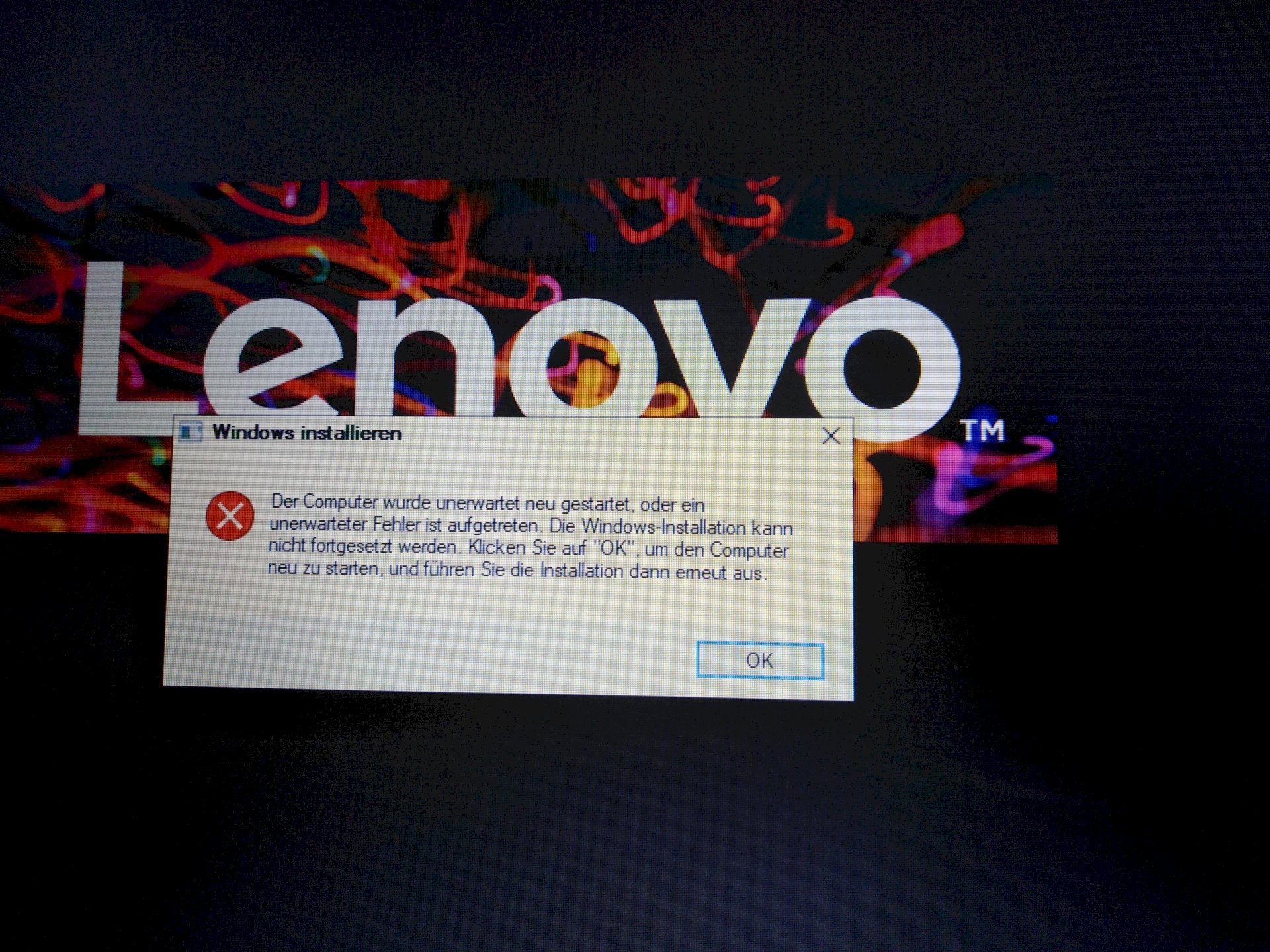
hi Guys
I have a problem with my laptop. That doesn't start. This problem occurred I had Windows 10 installed and everything is going as planned but on the, preparation, page was and does not start and that's why I shut it down and restarted then the picture came. The same is always displayed, it is always restarted. Can you please help me this is a huge problem. I have to work with the laptop.
Where did you install Windows from?
CD or USB
Usb and is now in line so reboot and down
Put the USB stick back in and let Windows repair it
Otherwise if that doesn't help
How because I put it in and the same thing always comes out please help me
Try to install again from USB, as it is written in the window.
Did you pull out the stick after / before restarting?
I didn't pull it out and I put the stick back in and it keeps coming back
Start your computer from the USB stick
There's an option there
to fix a computer
Set the USB stick as "first boot" in the "boot manager" (believe F11 or F10)
Hold down when starting or what
In earlier versions the message "Press a key to start from CD / DVD" always appeared.
It is not the case with Windows 10, after the installation it ignores the stick. Therefore always the same message.
When the post is shown and before Windows starts, tap the button several times.


