Laptop doesn't turn on? - 1
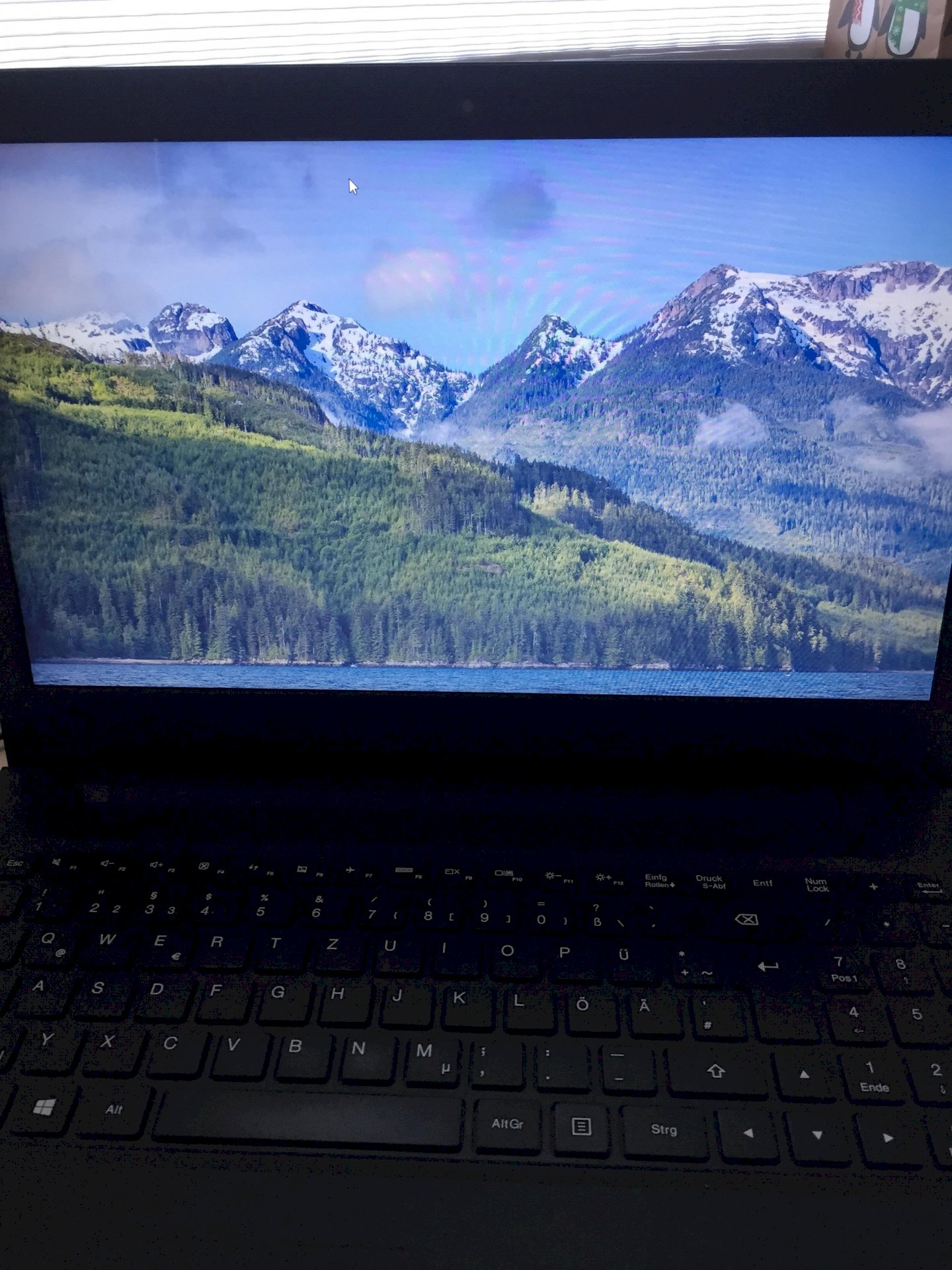
Hello my laptop is like this all the time and shows this screen.
I have already pressed all the buttons but it shows that all the time. Can you please help me
It is best to press the power switch down for 10 seconds (keep it pressed) until the device switches off. Then restart it after a few seconds.
Do a fresh start.
Ctrl alt and then delete Task Manager then in the top left on execute there you enter explorer.exe and press enter
You might first try the restart via Ctrl Alt Del.
Understand that the device no longer reacts to anything.
Press ALT gr + CTRL + Enft.
Then click on "Execute" and type in "explorer". After that, the bar should appear again.
If it doesn't respond to individual keystrokes, the combination can still work. But the description is too vague for that.


