Laptop has stopped working. What can I do?
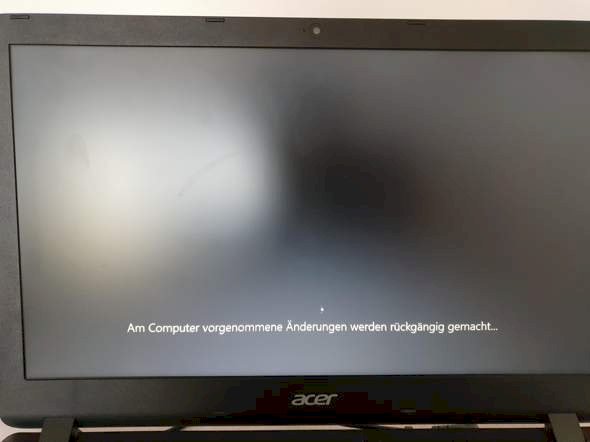
Does it help if I wait longer?
I've been waiting for almost 3 hours
Can someone help me?
Does this message come directly, or would you have the time to go to the bios before?
Here is a way with solution methods:
Use the Windows CD and boot from it. Then do a repair and it works again.
I turned it on then this message came directly.
1) Get a water bottle
2) Shake it on the laptop
3) Howl
4) Drive to Saturn
5) buy new laptop
6) play minecraft
7) lose in skywars against a 10 year old
8) Howl
If you immediately after starting the laptop, f2 and delete. Often press in a row, do you come to the bios? If so, then I advise you to reinstall Windows using a boot medium
I can't even turn the laptop off. And I don't come to the bios.
If he hangs there then hold the power button down until the Lappy goes out. Then slate it on again. Apparently he did not tolerate an update.
If you can also remove the battery, then disconnect it completely from the power for a few minutes.


