What can I do against the error message?
I recently got a new laptop and bought the software "Adobe Premire Pro" When I started the program, I got this error message (picture below) Now I do not know what to do about it and hopefully find solutions here,
Thank you in advance.
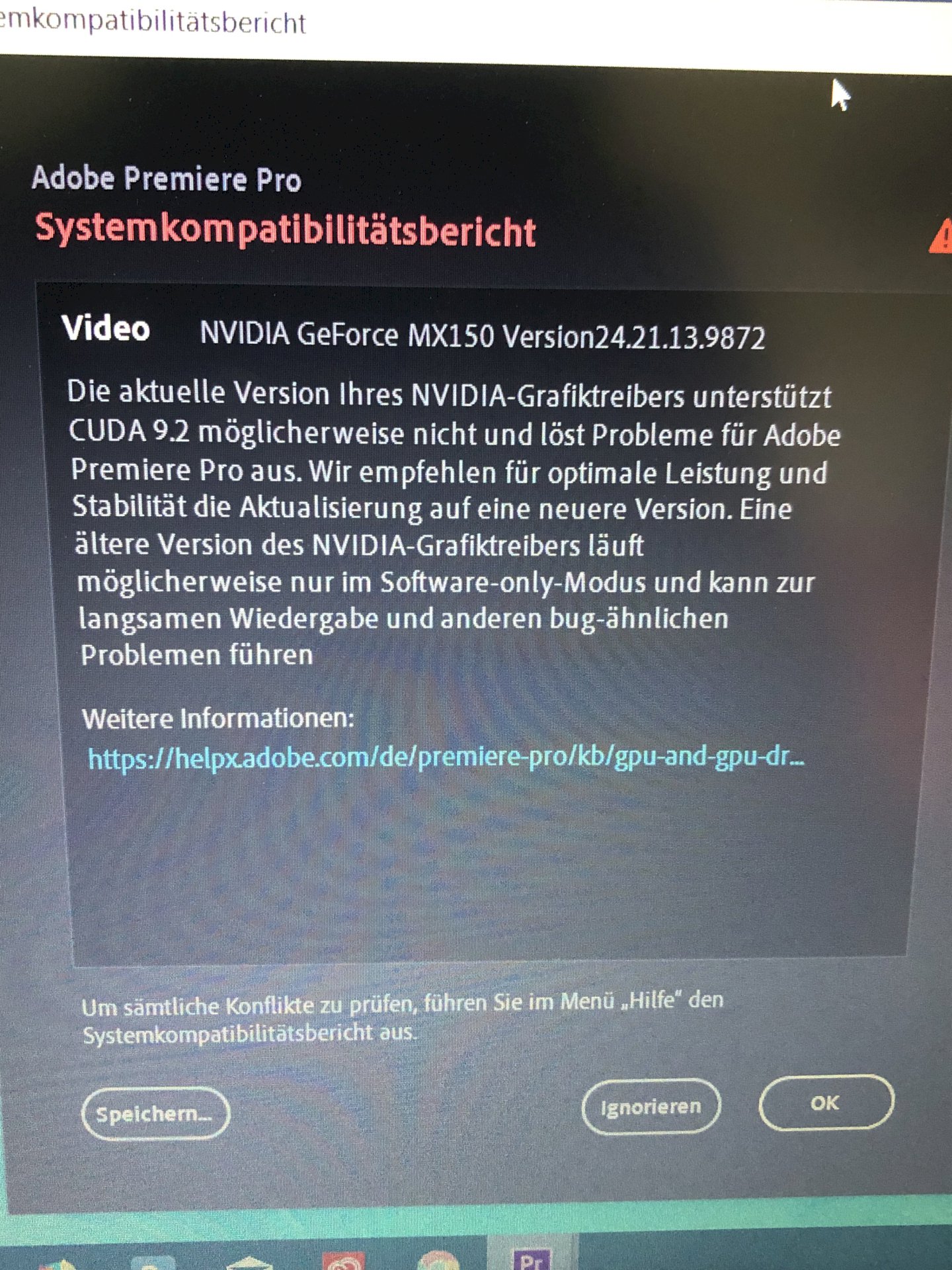
Well, either ignore and hope that the problems are not that serious.
Or there are updates for your NVIDA graphics card, which you could install.
Check out the NVIDIA driver page for the latest drivers for your graphics card (NVIDIA GeForce MX150). According to the error message, this is a software problem with the drivers. If you have problems finding the newest drivers then please let me know and I will give you a direct link! It is important that the drivers are found on the original NVIDIA page - and no third party. You do not have to worry about messing anything up.
I was looking for a download and only one was found if I chose Game-Ready driver as download type.
If I choose the download type Creator-Ready driver, no downloads will be found.
Sorry for the late reply, just take it, it has a newer version, the only one among the 2 types is that the game-ready still adds gaming enhancements - but apart from that is exactly the same as the creator-ready!
Left (All 64-bit):
Here again the link (Windows 10)> https://www.nvidia.de/.../146426/de
Here again the link (Windows 7/8 / 8.1) -> https://www.nvidia.de/.../146408/de
You can't do much there. Try downloading the latest video driver. If that does not work, then simply click on "Ignore" the error message.


