Transfer screen?
La
Lathenickolas
1
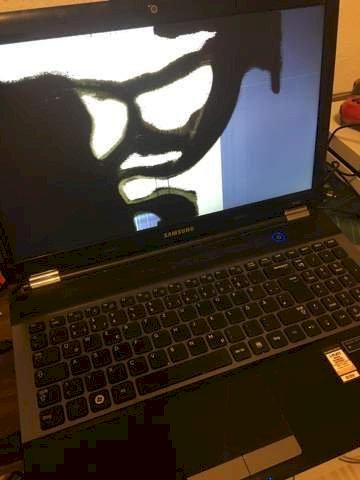
I'm Hakim, I have a problem… My laptop Samsung (Model: NP-RC530) has a screen damaged, you can't see anything anymore. I want to transfer the screen to the TV, but I don't know how if you plug in the HDMI cable, nothing happens to Windows Button P does nothing either… Please can someone help me?
be
beatrice
With Win-P a window opens and you can choose if you see something.
FN-F4 should work immediately. If FN is the standard then only F4
see: https://downloadcenter.samsung.com/content/UM/201408/20140825100909456/Win8_Manual_ger.pdf
page 44


