SPORE does not open on Windows 10?
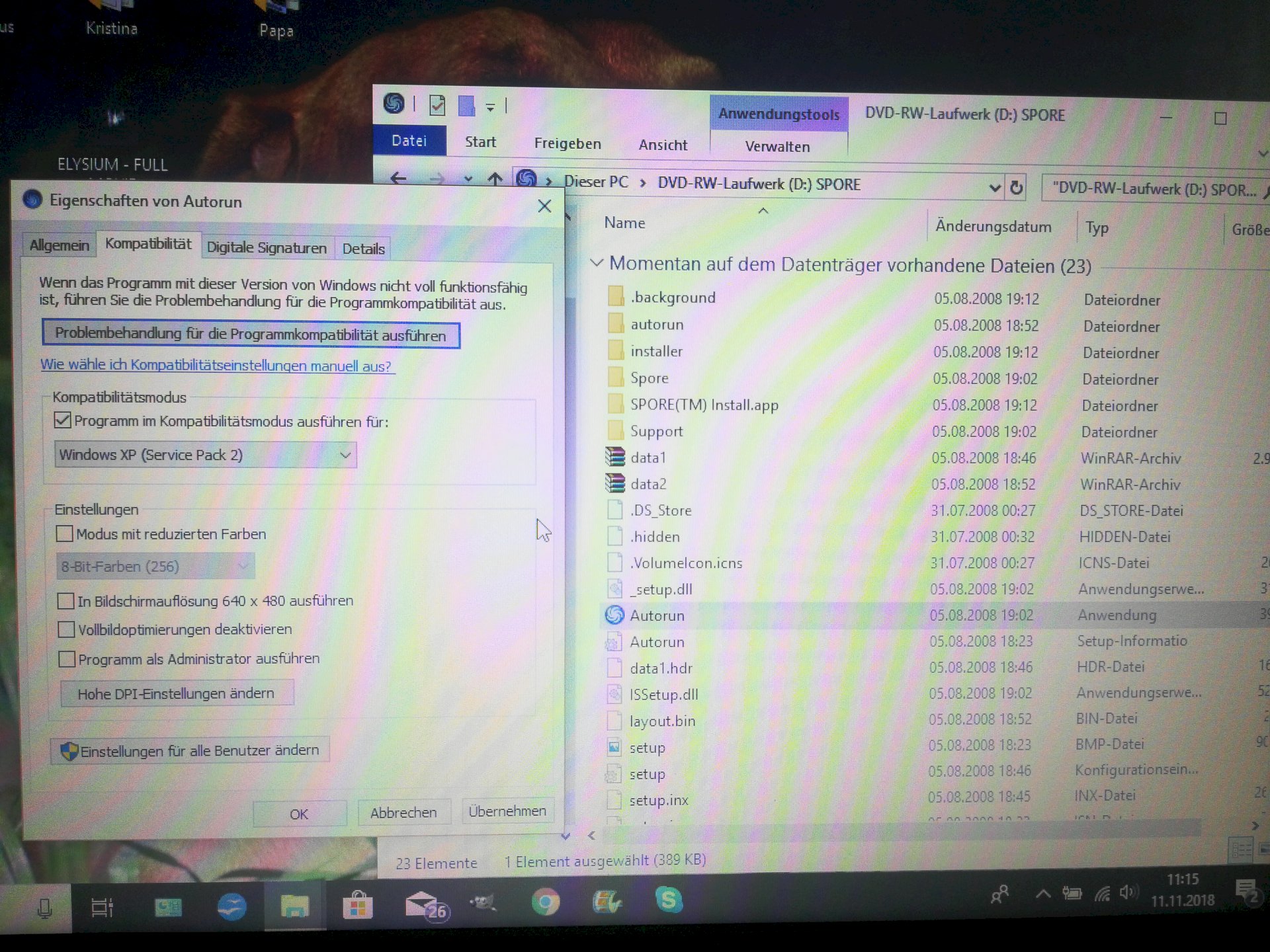
I installed my (older) Spore game on my laptop (Win10). However, it does not open the Autorun at all. First came a very short charging circle next to the pointer and then nothing happened. Next, I've tried the compatibility on everything possible (Win7, WinVista, WinXP) but that does not work, except that, for example, in WinVista Service Pack 2, the screen briefly turns black.
Can anyone help me?
Maybe the picture of my "attitudes" helps
Have you googled? Is the game maybe not compatible with Windows 10? Do you have Windows 10 64bit?
You say you already have it installed. But why are you in the DVD drive then? Is the "Autorun" not the installation file and not the game file?
Evtll. Am I wrong too… But well.
All I know is that I was always able to open the game on my old laptop via Autorun. A desktop icon was not created for some reason…
For me it is under C: / Programs (x86) / Electronic Arts / SPORE / Sporebin / SporeApp.exe
Yes, Win10 has 64bit
Have also googled, but there's synonymous only I should change the compatibility settings. I could not find any more. On the back of the package is WinVista or WinXP… But there's certainly a way around there? ^^ "" "
Found it and it works 😍😍😍 thank you!
Many old games can't cope with a 64bit operating system. You can't do anything then
Thank you.
Okay thanks.
Did it anyway, mitgilfe the other answer ^ - ^


