T.bone SC450 XLR on ps4 possible?
I bought the t.bone SC450 XLR a few years ago. Actually just so that I can record a few songs or something. But now I want to play with the microphone as well.
I also have behringer U-Phoria UMC204 HD with which I convert XLR to USB. On my laptop that works fine, but I would like to know how to do that I can talk to my playstation 4 with it. Easy to connect with USB, I've already tried but I was no microphone displayed.
I hope you know a solution for me.
Thank you in advance!
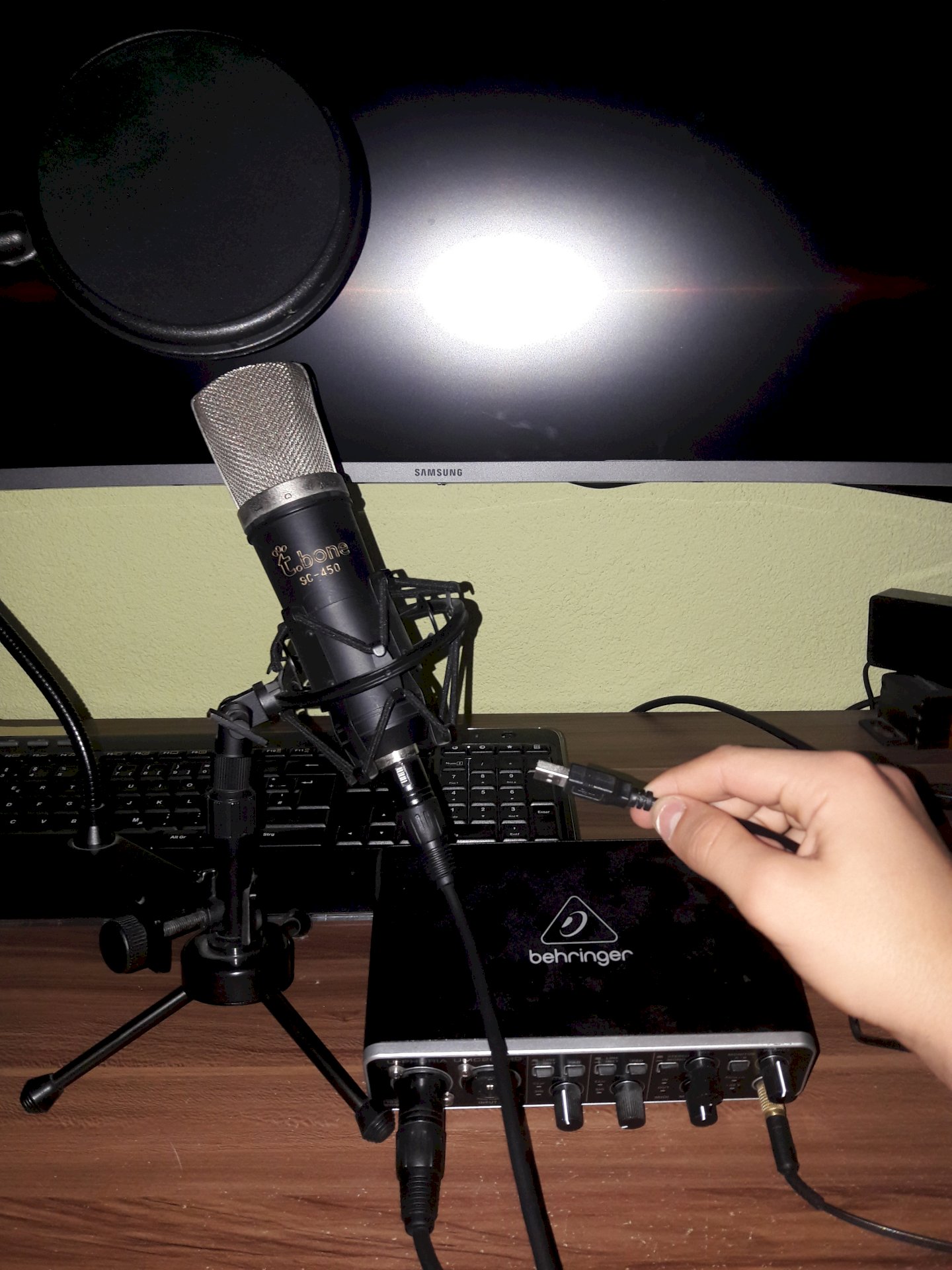
This is not possible because Ps4 does not have the drivers for it.
You can only connect it to the controller via an aux cable.
Zocke prefer Xbox you have more of
Could a USB to aux (or jack) work?
Do not help me
Either this or an XLR on Aux
So if it is usb is not
Satisfied now?
Why should your game console also display a microphone when you connect an interface that can't tell if there's a microphone or a microphone on the XLR jack, for example? A reverb spiral hangs? - Especially since Sony has not equipped the PlayStation 4 with generic drivers that allow the operation of the Behringer UMC204.
I do not know if the Behringer interface has any kind of stand-alone functionality; but if there's power supply via USB, you could test whether the interface via direct monitoring function outputs the microphone signal at the headphones. If so, you could connect the headphone jack of the interface to the AUX in the game console; the modest way is only available on the controller - If it's fun.
"USB to AUX" does not work. These parts are intended for "AUX to USB" and are themselves only small interfaces that require a corresponding driver of the host device. If you connect such a "USB to AUX" thing with your Behringer interface you can be happy that the two devices can't do anything with each other - like the PlayStation 4 with the Behringer interface. Just because it physically fits together does not necessarily fit together logically.
"XLR on AUX" is bad for two reasons: The t.SC450 is a condenser microphone and requires a supply voltage for operation - phantom power at +48 volts. Without this supply voltage comes from the microphone no signal voltage. The second reason is that AUX inputs are high level auxiliary inputs. A microphone typically does not output high levels (the SC450 under any circumstances). That would lead to modest signal-to-noise ratios - if there were any signal at all (see firstly).
Incidentally, AUX refers to auxiliary inputs and outputs designed for line-level (high level). A connection via XLR is quite common (if not for the consumer sector).
Thanks for the detailed improvement
Thank you, I'm sorry, I'm not really good with all that stuff, but you can try it
And another question
How can I test if the interface outputs the microphone signal to the headphone jack via direct monitoring?
I'm sorry, I do not know any good guys
To test this, plug your microphone into the interface, then plug in the + 48V phantom power; turn up the corresponding gain control; turn the mix knob to "in"; connect headphones to the front and then slowly turn up the phones control and hear over the headphones whether something that the microphone has picked up can be heard on the headphones. For this you could flip in front of the microphone, clap one-handed or lightly (!) Tap against the microphone basket (the grid) - you can think of something.
Of course, the interface needs power - the USB port must be plugged in from where it can be supplied with power; For example: PC, PS4, USB charging thing.
Thanks and if I hear something there that means that I can come to my controller with an aux output from the interface and then speak and hear something? Did I understand that correctly?


