Windows 10 can't be formatted?
I just wanted to format my laptop with Windows 10 because it is too slow but if I press on format is because they can't format this volume.
what can I do?
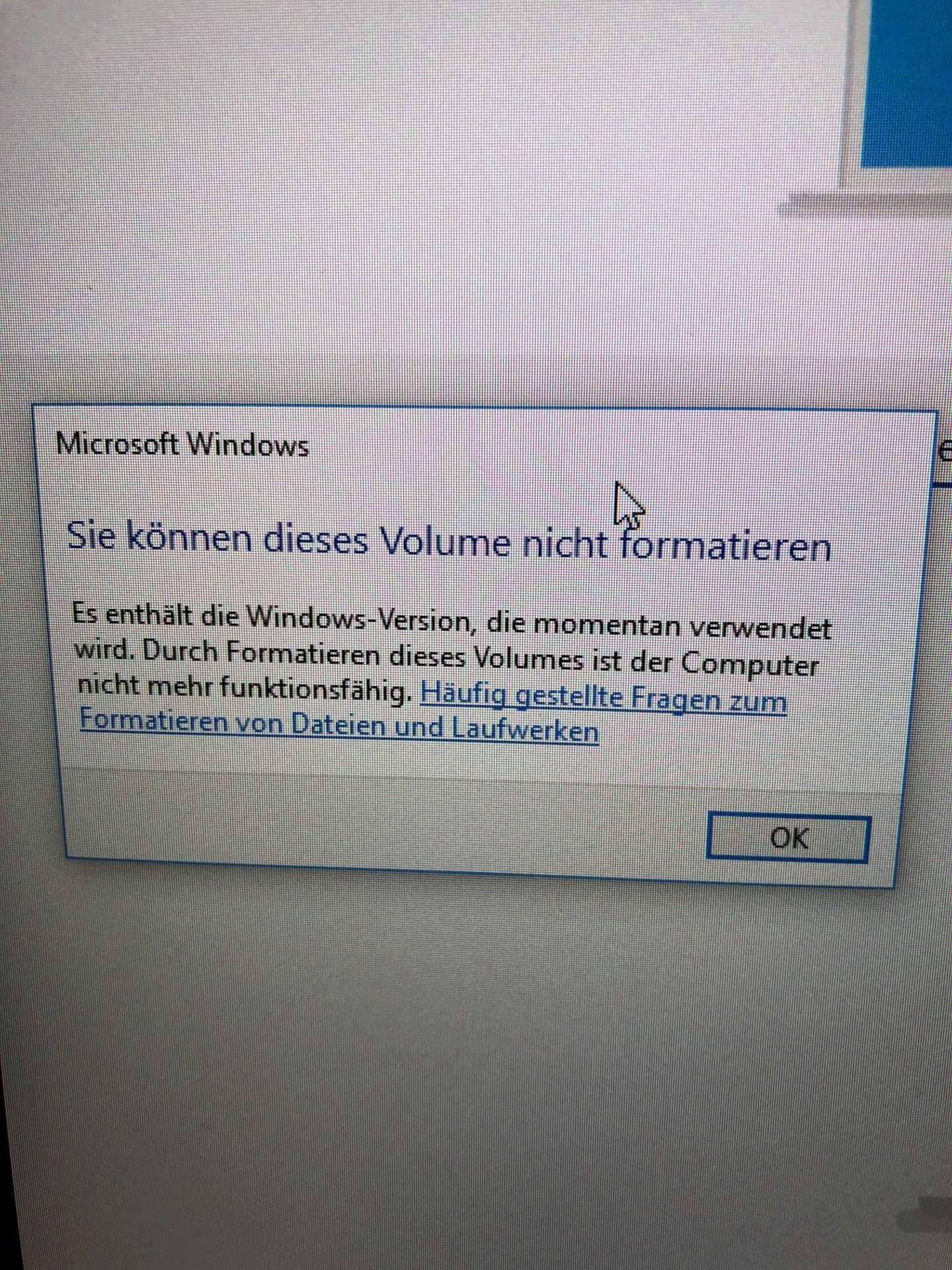
When you format a drive, all data on it will be deleted, images, documents, programs - including Windows. Therefore, Windows also refuses to perform this action because it can't easily delete itself during operation. After that, the PC would not start again until manually reinstalling Windows.
In the settings under "Update and Security" and then "Recovery" there's the option "reset this PC" Here you can install Windows freshly, with or without removing personal files, but programs are always deleted.
Windows you can't format anyway, that's a software.
You're trying to format the disk (SSD / HDD) under Windows, on which Windows itself is currently operating - why this is denied, you should understand.
If you want to completely reinstall Windows 10, you should make a backup of your own data and then create a bootable Win 10 installation media via the Media Creation Tool
You load the Media Creation Tool
https://www.microsoft.com/.../windows10
from Microsoft (download tool now), you start and create a Win 10 installation disk on DVD or USB stick (selection in the tool).
The USB stick will be made immediately bootable (all data on the stick will be deleted!), For a DVD you create / save the ISO, then right-click on the saved ISO and select: "burn disk image".
With DVD or USB stick boot the computer (boot), then delete all existing partitions during installation under drive options (if you are sure that there are no data to be backed up on it!), Then only "unallocated space" left, Mark this one entry and then click on Next (do not create new partitions, Windows will automatically create all necessary partitions).
I.d.R. Did the calculator get a so-called digital license instead of a product key? This is an ID, which is generated from the installed hardware and was deposited with the first installation / update of Win 7 / 8.1 on the Microsoft activation server. Since this ID is unique, it will always be exactly your computer identified.
In short: In this case, you do not have a Win 10 product key and you do not need to, Windows will be automatically re-enabled.
The Digital License is valid for the entire life of the computer, as long as essential hardware parts are not exchanged (for example, the motherboard). You can therefore perform a Windows 10 reinstallation as often as you like on this computer.
Windows can't format the partition on which it is installed. - The process would, because Windows itself thereby "destroyed" get stuck.
Why do you want to format? - Do you want to reinstall Win10?
Suggestion: Use the Win10 recovery.
Go to Settings> Update and Security> on the left side of the window: "Restore"> Reset this PC: Let's go> Choose your option:
Keep your own files or remove everything…
Please refer
In short: In this case, you do not have a Win 10 product key and you do not need to, Windows will be automatically re-enabled.
If the thing would always do it… Sometimes Windows refuses to use the key stored in the EFI "BIOS" after installation, then you have to "improvise"… I've already experienced that myself.
Windows no longer has a proper license (in Windows 95, the license was made like a banknote) … At the latest when EFI "BIOS" - / motherboard death, this "license" is finally hailed.
Windows is getting worse, the golden times were up to Windows 2000


