No internet connection, what is the problem?
Restarted my laptop and then something. Sound was also off, but I was able to fix that quickly. With the internet connection, after an hour of research, I got stuck.
Turning it off and on again doesn't help.
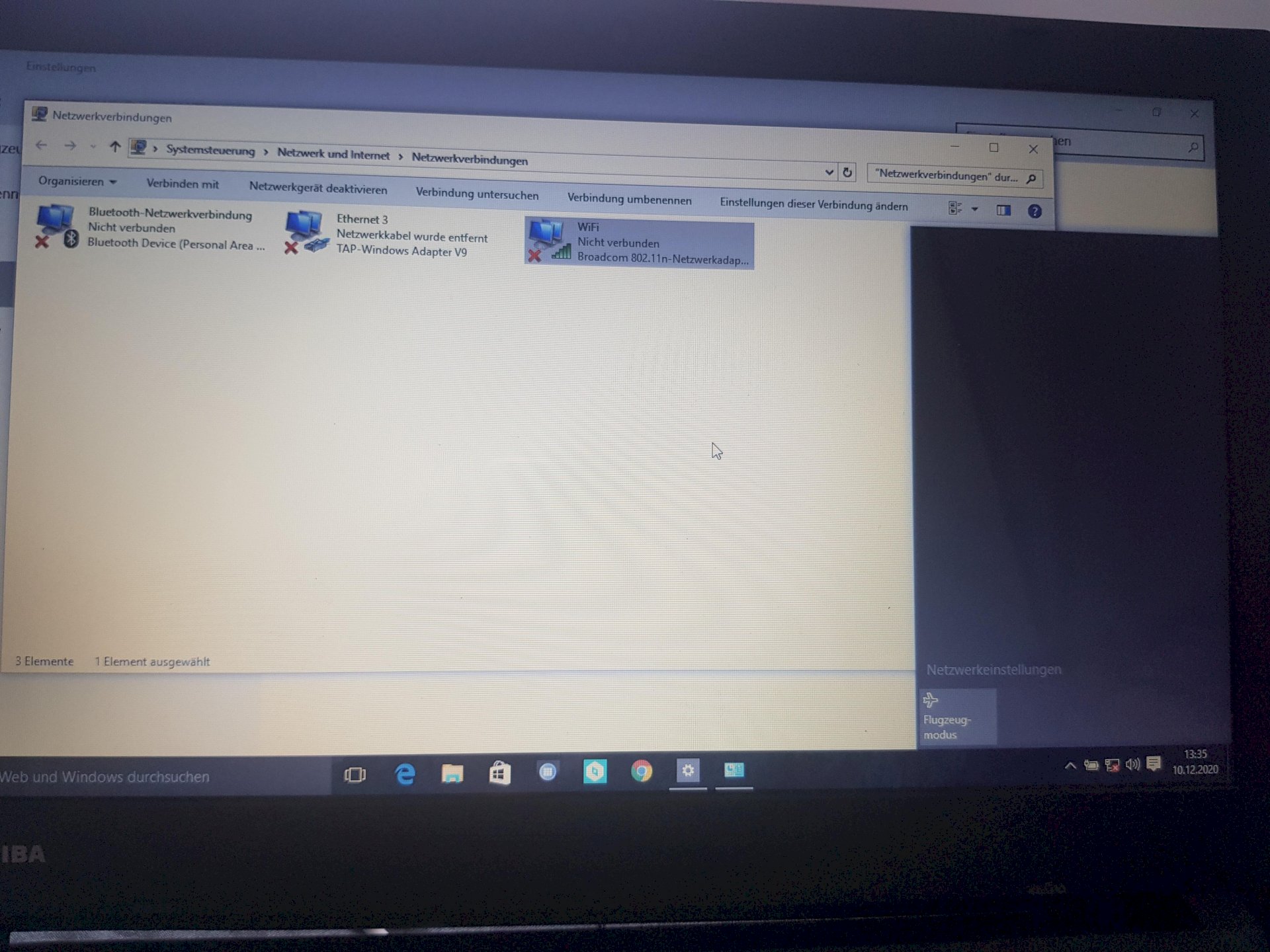
Sorry but that little bit is not enough to help you. Do you find the WLAN?
Have you ever switched off flight mode?
Is out
Maybe the computer is crazy.
Plug in the Wi-Fi every now and then, restart your computer nine times, switch to airplane mode and off again.
Then see if you can find your Wi-Fi and connect, that's just how I always did it.
No nothing is displayed
What information do you need?
Yes, flight mode turned on and off, unfortunately does not help.
Yes, how do I get it back on is the question here 😀
You have to be systematic.
Here is a good step-by-step guide from Microsoft to help isolate such issues. I suspect the following point from the instructions will help:
Executing network commands (execute as administrator!):
Type netsh winsock reset and select Enter.
Type netsh int IP Reset and select Enter.
Enter ipconfig / release and select Enter.
Type ipconfig / renew and select Enter.
Type ipconfig / flushdns and select Enter.
Here are the complete instructions:
Resetting network adapter settings always helped me.
Cmd commands with admin rights I would never let a normal user just execute xD
Nice!
Then please name the program that does exactly what Microsoft recommends.
I'm not going to name the commands that destroy or destroy the entire operating system.
I would do exactly what Microsoft recommends, since the manufacturer of the operating system is after all, they will know.


