New laptop does not work?
ne
nestCheyenne
4
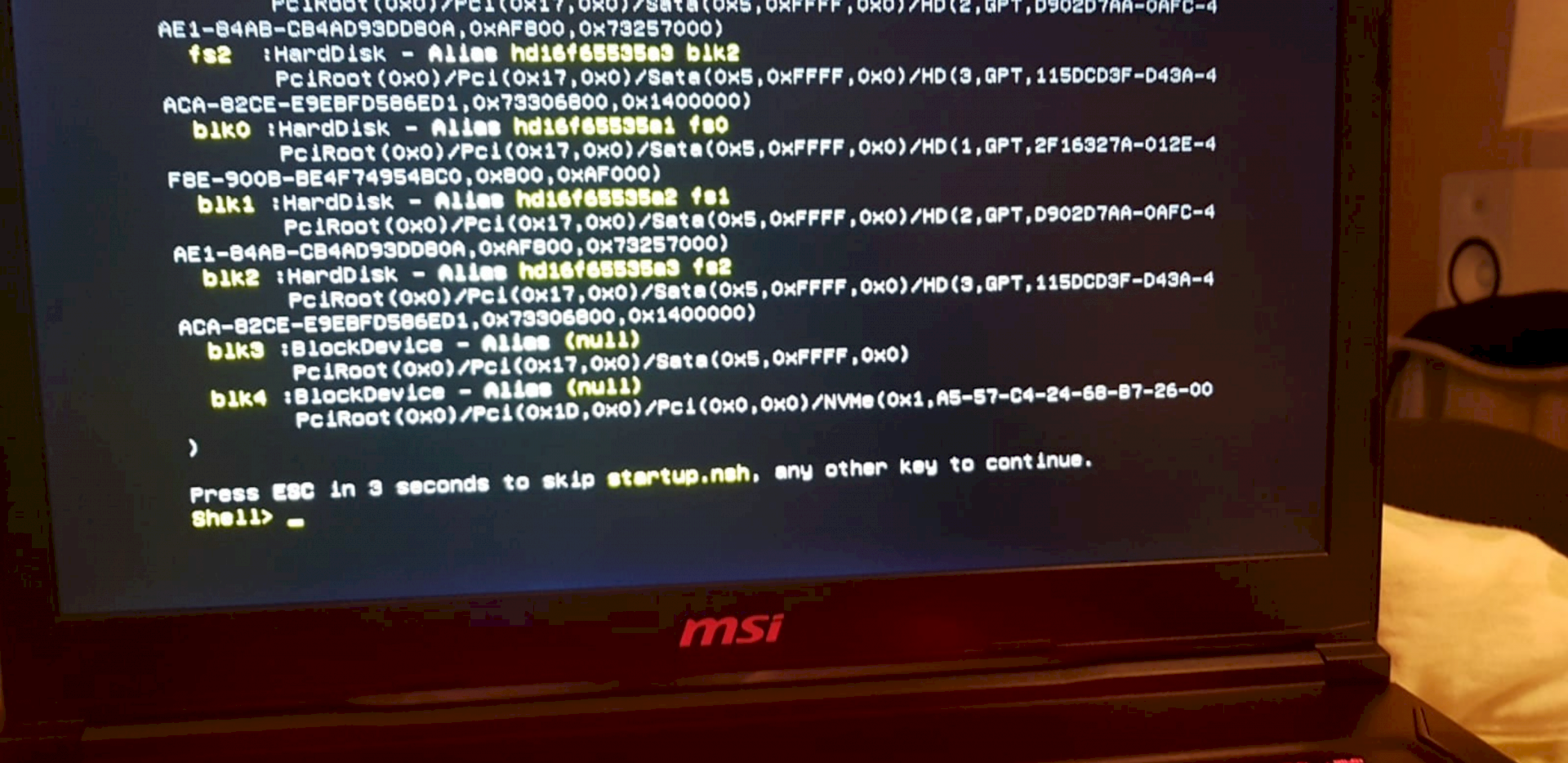
No matter which command I enter or button, nothing happens. Just bought new
Wi
WineMosquito
Bring or send back. That's not your problem but the dealer's.
ni
nimble
That's the UEFI shell, just open the BIOS (press DELETE or F2 on startup).
There check the boot order, possibly USB devices disconnect at boot.
pl
platinumlance24
This is the UEFI shell.
Was the notebook purchased with the preinstalled operating system? Then check the boot order for a moment or start Windows by hand (or see if it's installed) by hand.
Otherwise, install the operating system.
(You can also just try typing 'exit' - if the boot order is wrong then it will work off the other boot entries…)
Ro
RoomClarissa10
UEFI = new BIOS,
There's no BIOS on it, because the UEFI has taken its position…


