Windows explorer pictures are not displayed?
I have a problem with displaying images in Windows Explorer. However, ONLY folders that I dragged over from a hard drive.
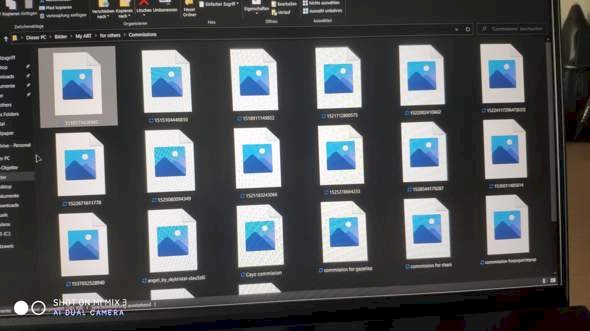
Sorry for the bad picture. But I think you know what is meant.
I tried a lot. Display settings and co. There's a lot about it on the Internet. But nothing helps. With normal pictures that I download. On wallpaper pages etc. Are displayed normally. Just not the ones that were dragged from the hard drive onto the laptop. Maybe someone knows where the problem is? Never had the problem.
It's the same with me, some pictures are shown but most are not.
Probably a problem with Windows
What is the format of the pictures?
So the file extension.
The files are fine, I assume?
If the files are damaged, an image can't be displayed.
Yes, the files are OK, they can also open them all. Only the views in the folders don't work.
Windows 10 stop… Right?


